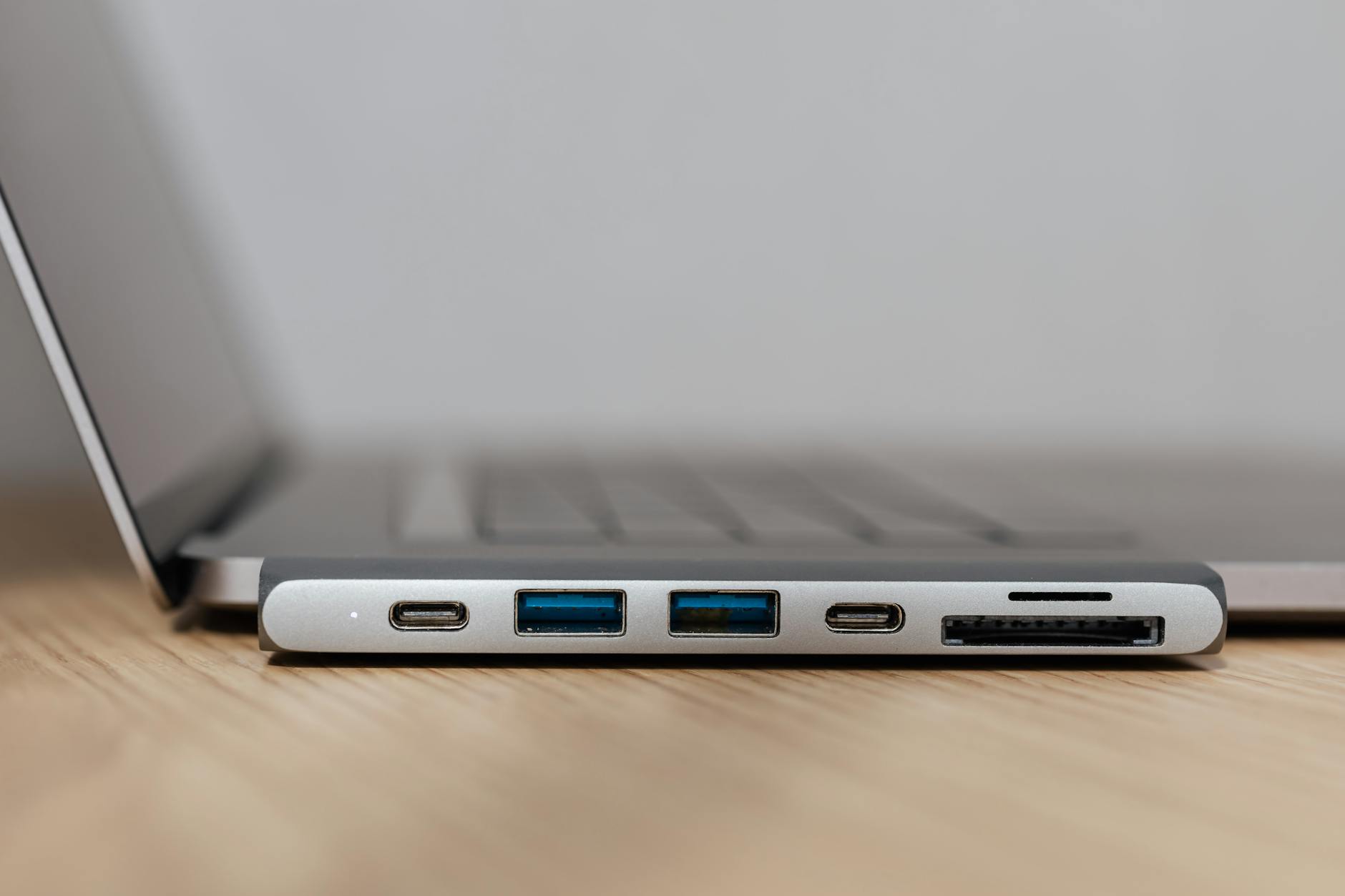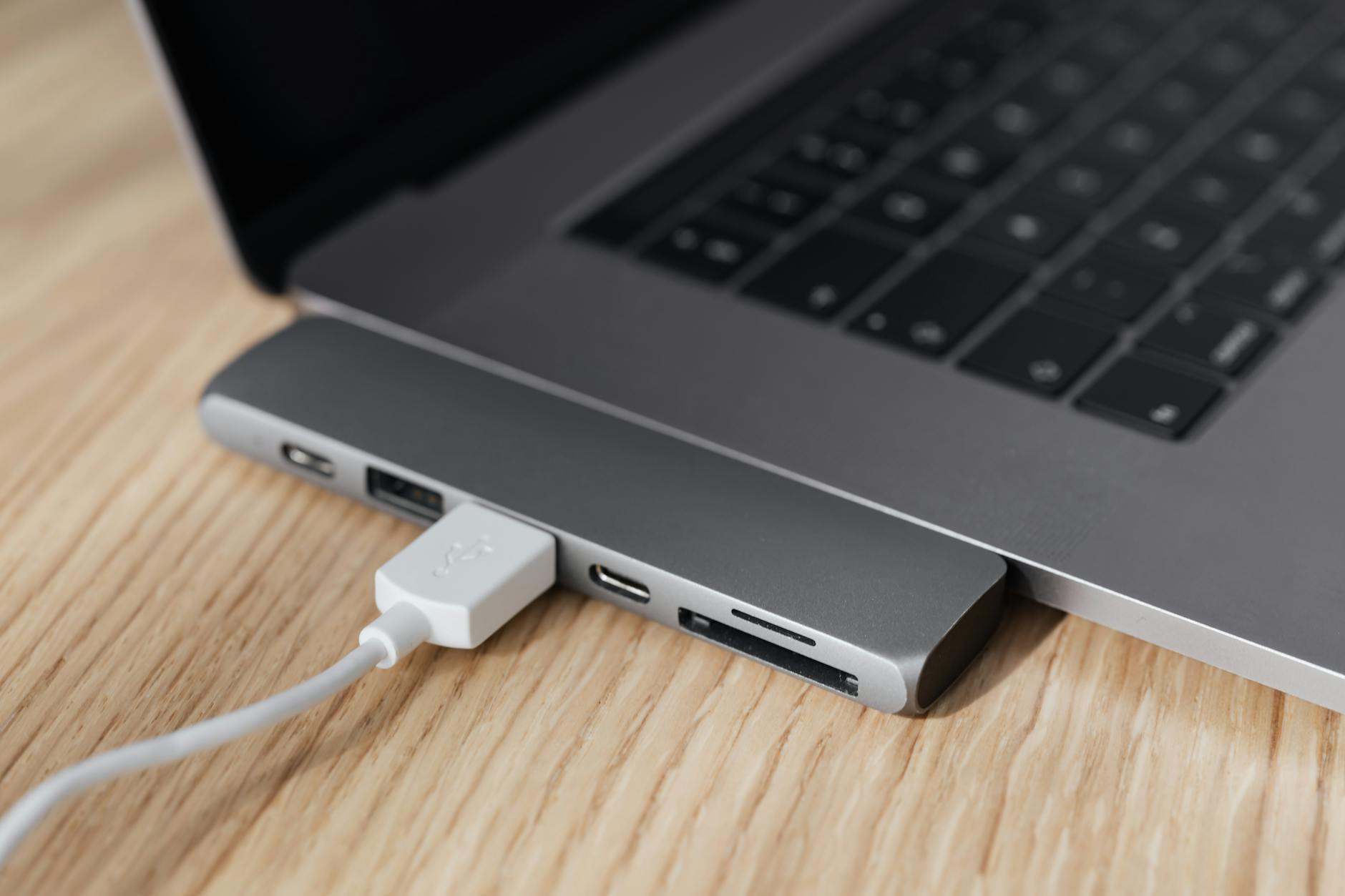
If you own a modern laptop in Singapore, you've probably run into the port shortage problem. This list is for tech-savvy users who need to connect monitors, SD cards, Ethernet, and more without clunky adapters. We tested and compared 7 USB-C hubs and docks based on real-world performance, build quality, and local availability (from Challenger, Gain City, and Lazada). Our picks range from budget-friendly dongles to full Thunderbolt 4 docks for creative pros.
Quick Comparison
| Pick name | Best for | Key feature/spec | Approx. price (SGD) |
|---|---|---|---|
| Anker PowerExpand 8-in-1 | All-round value | 4K HDMI, 100W PD, SD/microSD | 79 |
| Ugreen Revodok Pro 9-in-1 | Budget-conscious users | 10Gbps USB-A, 4K@60Hz HDMI | 59 |
| CalDigit TS4 | Creative professionals | Thunderbolt 4, 98W PD, 2.5GbE | 529 |
| Belkin Connect Pro Thunderbolt 4 Dock | MacBook users | 96W PD, dual 4K@60Hz | 449 |
| Baseus 12-in-1 USB-C Hub | Multi-monitor setups | Dual HDMI, VGA, 100W PD | 89 |
| Satechi Pro Hub Slim | Ultra-portable travel | 4K HDMI, 100W PD, compact | 99 |
| Dell WD19S | Office & enterprise | 130W PD, DisplayPort, USB-C | 299 |
Anker PowerExpand 8-in-1
Tagline: The reliable all-rounder for most laptop users in Singapore.
The Anker PowerExpand 8-in-1 is our top pick for general use. It packs HDMI (4K@30Hz), two USB-A 3.0 ports, USB-C data, SD/microSD slots, and 100W pass-through charging. Build quality is solid with a braided cable. It works seamlessly with MacBooks and Windows laptops. The 4K@30Hz limit means it's not ideal for high-refresh monitors, and the USB-A ports are only 5Gbps. For most office tasks, media streaming, and photo transfers, it's a dependable workhorse. Easily found at Challenger and Lazada.
- Pros: Great value, 100W PD, reliable brand, good port variety
- Cons: HDMI limited to 4K@30Hz, no Ethernet, USB-A not 10Gbps
- Best for: Students, remote workers, casual users
- Pricing: Approx. S$79 on Lazada / Shopee
Ugreen Revodok Pro 9-in-1
Tagline: Affordable versatility without cutting corners.
The Ugreen Revodok Pro 9-in-1 is a strong budget contender. It includes HDMI 2.0 (4K@60Hz), three USB-A 3.0 (one 10Gbps), USB-C data, SD/microSD, and 100W PD. The 10Gbps port is a nice bonus for fast external SSDs. The aluminium body dissipates heat well. However, the Ethernet port is missing, and the cable is non-detachable. For S$59, it's hard to beat for casual use. Available on Shopee and Ugreen's official store.
- Pros: Affordable, 4K@60Hz, 10Gbps USB-A, good thermals
- Cons: No Ethernet, fixed cable, no Thunderbolt
- Best for: Budget shoppers, light multitasking
- Pricing: Approx. S$59 on Shopee
CalDigit TS4
Tagline: The ultimate Thunderbolt dock for creative workflows.
The CalDigit TS4 is a premium Thunderbolt 4 dock with 18 ports, including 98W PD, dual 6K@60Hz display support, 2.5Gb Ethernet, three USB-C (40Gbps), and five USB-A. It's built like a tank with a metal chassis. Data transfers are blazing fast. The price is steep, and the fan can be audible under load. For photographers, video editors, and developers in Singapore who need maximum bandwidth and reliability, it's the gold standard. Available at authorized retailers like MediaMart.
- Pros: 18 ports, 98W PD, 2.5GbE, dual 6K displays, fast data
- Cons: Expensive, fan noise, overkill for light users
- Best for: Creative pros, power users, multiple monitors
- Pricing: Approx. S$529 at MediaMart
Belkin Connect Pro Thunderbolt 4 Dock
Tagline: A polished dock built for MacBook ecosystems.
The Belkin Connect Pro Thunderbolt 4 Dock offers 96W PD, dual 4K@60Hz or single 8K@30Hz output, 2.5Gb Ethernet, and four USB-A ports. It's officially certified for Apple and works perfectly with macOS. The design matches Mac aesthetics. On Windows, some features like wake from sleep may be less reliable. It lacks a dedicated SD card slot. For MacBook users in SG who want a one-cable setup with high power delivery, it's a top-tier choice. Find it at Apple Store or Challenger.
- Pros: 96W PD, dual 4K@60Hz, great Mac compatibility, 2.5GbE
- Cons: No SD slot, pricey, Windows quirks
- Best for: MacBook Air/Pro owners
- Pricing: Approx. S$449 at Challenger
Baseus 12-in-1 USB-C Hub
Tagline: Multi-monitor flexibility for desk warriors.
The Baseus 12-in-1 Hub is a feature-packed option for multi-monitor setups. It includes dual HDMI (one 4K@60Hz, one 4K@30Hz), VGA, USB-C data, three USB-A (one 10Gbps), SD/microSD, Ethernet, and 100W PD. The dual HDMI output is rare at this price. The VGA port is useful for older projectors. Build quality feels slightly plasticky, and the hub can get warm. For S$89, it's excellent for office workers or traders who need triple displays. Available on Lazada and Baseus official store.
- Pros: Dual HDMI + VGA, 100W PD, Ethernet, great value
- Cons: Plasticky build, gets warm, one HDMI limited to 30Hz
- Best for: Multi-monitor users, office setups
- Pricing: Approx. S$89 on Lazada
Satechi Pro Hub Slim
Tagline: Slim design that travels as light as your laptop.
The Satechi Pro Hub Slim is designed for portability. It offers HDMI 2.0 (4K@60Hz), USB-C data, two USB-A 3.0, SD/microSD, and 100W PD in a thin aluminium body. It sits flush against your laptop's edge, making it easy to pack. The cable is short, which is good for tidiness but limits placement. No Ethernet or extra video ports. For Singaporeans who work from cafes or co-working spaces, it's a sleek travel companion. Available at Satechi's online store and some local resellers.
- Pros: Ultra-slim, 4K@60Hz, 100W PD, premium look
- Cons: No Ethernet, short cable, limited ports
- Best for: Minimalist travelers, coffee shop workers
- Pricing: Approx. S$99 on Satechi website
Dell WD19S
Tagline: Work-ready dock for corporate laptops and IT admins.
The Dell WD19S is a USB-C dock with 130W PD, DisplayPort, HDMI, VGA, USB-C, and USB-A ports. It's compatible with most Dell Latitude and XPS laptops, as well as other brands. The 130W PD is great for larger notebooks. It supports dual FHD or single 4K displays. The design is utilitarian, and the barrel power adapter is bulky. For enterprise users in Singapore who need reliable, IT-managed connectivity, it's a solid choice. Widely available at Challenger and Dell's online store.
- Pros: 130W PD, DisplayPort, good compatibility, reliable
- Cons: Bulky power brick, no Thunderbolt, basic aesthetics
- Best for: Corporate users, Dell laptop owners
- Pricing: Approx. S$299 at Challenger
How to Choose
- Port selection: List the peripherals you connect daily (monitor, Ethernet, SD card). Ensure the hub has enough ports without needing extra dongles.
- Power delivery (PD): Check your laptop's charging speed. A hub with 100W PD is ideal for most, but some gaming laptops need more. Lower PD may charge slowly.
- Video output: For 4K@60Hz or dual monitors, choose a hub with HDMI 2.0 or DisplayPort. Thunderbolt 4 docks support higher resolutions.
- Data speed: If you transfer large files often, look for USB 3.1 Gen 2 (10Gbps) or Thunderbolt 4 (40Gbps) ports.
- Build and portability: For travel, pick a slim hub with a short cable. For desk use, a dock with a detachable cable and Ethernet is better.
- Compatibility: Some docks work better with specific laptops (e.g., Belkin for Mac, Dell for Latitude). Verify OS compatibility before buying.