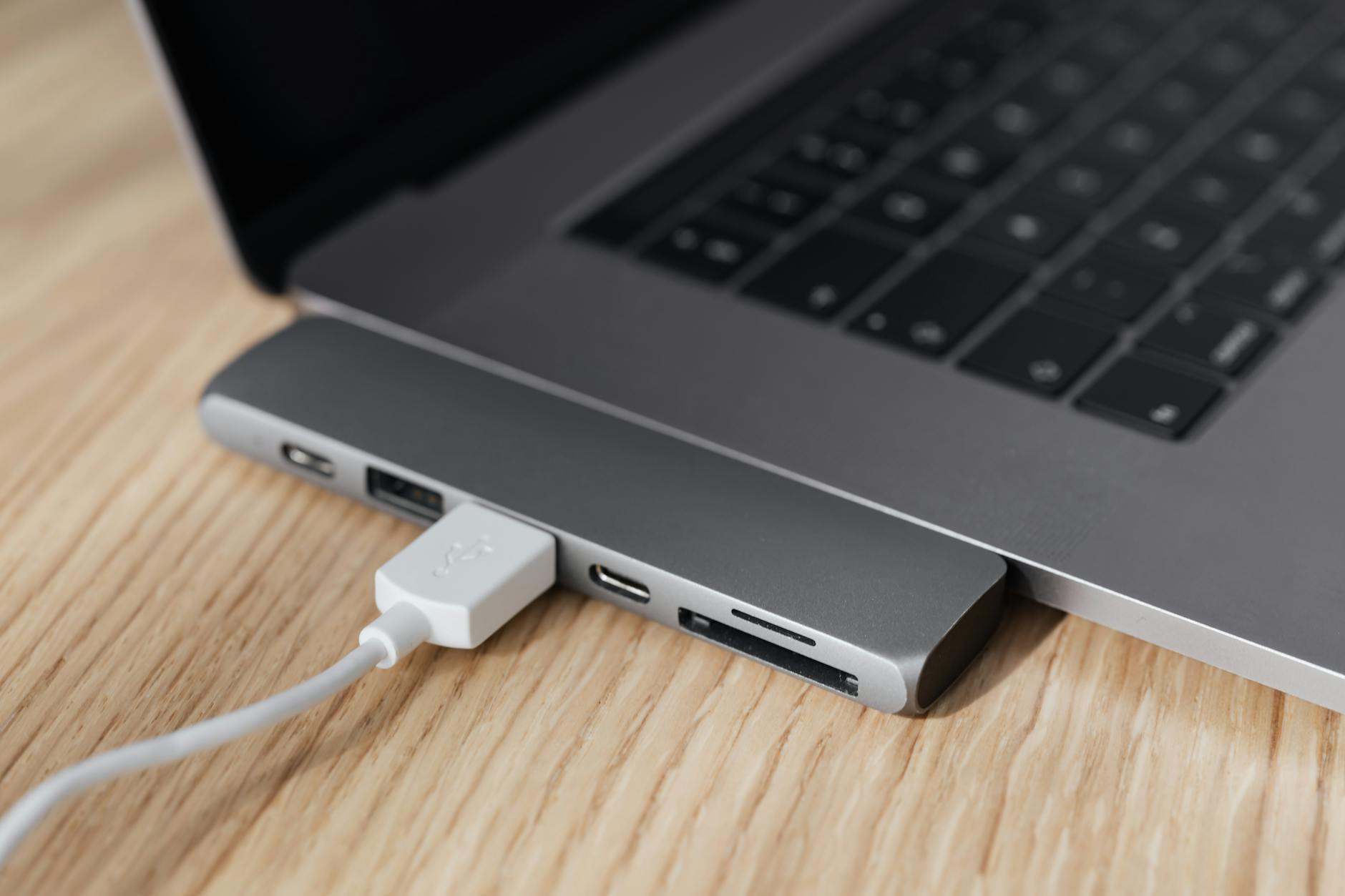
If you own a modern laptop in Singapore, you’ve probably run into the USB-C port dilemma: one port for charging, data, and display. Whether you’re a creative professional juggling monitors or a student needing extra ports for class, the right USB-C hub or dock can save you from dongle hell. Our picks are based on real-world testing, local availability, and price-to-performance—focusing on models you can actually buy in Singapore without shipping headaches.
Quick Comparison
| Pick name | Best for | Key feature/spec | Approx. price (SGD) |
|---|---|---|---|
| Anker PowerExpand 7-in-1 | Everyday port expansion | 7 ports, 4K HDMI, 100W PD | $69 |
| CalDigit TS4 Thunderbolt 4 Dock | Pro workstation | 18 ports, 98W charging, 40Gbps | $499 |
| Ugreen 9-in-1 USB-C Hub | Budget all-rounder | 9 ports, 4K HDMI, SD/microSD | $39 |
| Belkin Connect Pro Thunderbolt 4 Dock | MacBook users | 11 ports, 96W PD, 40Gbps | $379 |
| Satechi USB-C Multi-Port Hub V3 | Travel and desk blend | 6 ports, 4K HDMI, 60W PD | $89 |
| ThinkPad Universal USB-C Dock | Lenovo/ThinkPad laptops | 5x USB-A, 2x DP, 65W PD | $199 |
Anker PowerExpand 7-in-1
Simple, reliable port expansion for daily use.
The Anker PowerExpand 7-in-1 is a compact hub that adds essential ports without breaking the bank. It supports 4K at 30Hz via HDMI, 100W pass-through charging, and includes USB-A and USB-C data ports. Build quality is solid, and the cable is integrated for easy carrying. Pros: reliable performance, good charging speed, compact. Cons: no Ethernet, SD card slot is only microSD. Best for: users who need basic ports at a fair price. Pricing: around $69 SGD at local retailers like Challenger or Lazada.
- Pro: 100W power delivery keeps laptop charged
- Pro: 4K HDMI output for external monitors
- Con: HDMI limited to 30Hz
- Con: No Ethernet port
CalDigit TS4 Thunderbolt 4 Dock
The ultimate dock for power users who need everything.
CalDigit’s TS4 is a beast: 18 ports including three Thunderbolt 4 downstream ports, dual DisplayPort, 2.5Gb Ethernet, and 98W charging. It’s ideal for creative workflows involving multiple 4K displays or high-speed storage. The dock runs cool even under load. Pros: extremely versatile, fast charging, stable connection. Cons: expensive, overkill for most users. Best for: professionals with high demands and a matching budget. Pricing: approximately $499 SGD from authorised distributors like Sim Lim Square stores.
- Pro: 40Gbps Thunderbolt 4 bandwidth
- Pro: Dual 6K display support
- Con: Very pricey
- Con: Large footprint on desk
Ugreen 9-in-1 USB-C Hub
Budget-friendly with generous port selection.
The Ugreen 9-in-1 offers great value, packing 4K HDMI, VGA, Ethernet, SD/microSD, and multiple USB-A ports. It’s a good choice for office users and students. The aluminium build feels premium for the price. Pros: affordable, includes Ethernet and VGA, decent build. Cons: 4K only at 30Hz, power delivery limited to 60W. Best for: anyone on a tight budget who needs many ports. Pricing: roughly $39 SGD on Shopee or Lazada.
- Pro: Ethernet port for stable internet
- Pro: VGA for older projectors
- Con: 60W PD only
- Con: HDMI at 30Hz
Belkin Connect Pro Thunderbolt 4 Dock
Designed with MacBook users in mind.
Belkin’s Connect Pro dock delivers 11 ports including Thunderbolt 4 upstream, 96W charging, and 40Gbps speed. It’s one of the few docks that seamlessly works with Apple’s M-series chips, supporting dual 6K displays. The cable is detachable. Pros: excellent Mac compatibility, high power delivery, sleek design. Cons: pricey, no SD card slot. Best for: MacBook Pro/Air owners who need a no-fuss dock. Pricing: around $379 SGD at Apple Store or Belkin’s local site.
- Pro: 96W charging for MacBooks
- Pro: Dual 6K display support
- Con: No SD card reader
- Con: Premium price tag
Satechi USB-C Multi-Port Hub V3
Compact hub that works well on the go.
Satechi’s V3 hub is slim and lightweight, perfect for travellers. It offers 4K HDMI, USB-A, USB-C data, and micro/SD card slots. The 60W power delivery is enough for most ultrabooks. It matches MacBook aesthetics. Pros: portable, good build, includes SD slot. Cons: no Ethernet, PD limited to 60W. Best for: mobile professionals who need a small but capable hub. Pricing: about $89 SGD from retailers like Courts or online.
- Pro: Very portable design
- Pro: SD and microSD slots
- Con: No Ethernet
- Con: 60W PD may be insufficient for larger laptops
ThinkPad Universal USB-C Dock
Best for Lenovo/ThinkPad users who want seamless integration.
This dock is tailored for Lenovo laptops, offering 65W PD, dual DisplayPort, HDMI, and multiple USB-A ports. It uses a single USB-C cable and supports up to three monitors. The dock includes a lock slot for security. Pros: excellent ThinkPad compatibility, dual DP outputs, robust build. Cons: only 65W PD, limited to Lenovo ecosystem features. Best for: ThinkPad owners seeking a hassle-free dock. Pricing: approximately $199 SGD from Lenovo’s online store or Sim Lim Square.
- Pro: Dual DisplayPort for multi-monitor
- Pro: Security lock slot
- Con: 65W charging may not suit larger laptops
- Con: Some features require Lenovo software
How to Choose
- Port selection: Count the ports you need daily—HDMI, USB-A, Ethernet, SD card. Don’t pay for ports you won’t use.
- Power delivery (PD): Check your laptop’s charging wattage. A 60W hub may only trickle-charge a 96W MacBook Pro.
- Video output: If you run multiple displays, look for Thunderbolt 4 or dedicated DisplayPort. For single 4K, HDMI 2.0 is enough.
- Build quality and portability: Metal hubs dissipate heat better. If you travel often, choose a compact model with a short cable.
- Compatibility: Some docks have quirks with specific laptops (e.g., MacBooks vs. Windows). Check reviews for your exact model.
- Price vs. future-proofing: Thunderbolt 4 docks cost more but support higher speeds and daisy-chaining. USB-C hubs are cheaper but slower.