Whether you’re a seasoned remote worker or new to the WFH lifestyle, finding the right setup is crucial for productivity and well-being. This listicle is for Malaysian professionals seeking practical, affordable, and ergonomic solutions that cater to local climate, internet reliability, and space constraints. Our picks are based on expert reviews, user feedback, and value for money, ensuring you get a setup that works in 2026.
Quick Comparison
- Ergonomic Essential Bundle – Best for comfort and back health.
- Tech-Ready Workstation – Ideal for digital nomads and multitaskers.
- Compact Apartment Setup – Perfect for small living spaces.
- High-Speed Connectivity Kit – For uninterrupted video calls and cloud work.
- Budget-Friendly Starter Pack – For those just beginning their WFH journey.
1. Ergonomic Essential Bundle
Prioritise your body with a setup designed for long hours.
This bundle focuses on an adjustable standing desk (e.g., from local brands like FlexiSpot or IKEA) paired with an ergonomic mesh chair that offers lumbar support. In Malaysia’s humid climate, mesh chairs reduce sweat. Pros include reduced back pain and improved posture. Cons: higher upfront cost (RM 1,500–RM 3,000) and requires assembly. Best for those who sit for 8+ hours daily. Pricing snapshot: desks start from RM 800, chairs from RM 700.
2. Tech-Ready Workstation
Equip your desk with the latest gadgets for seamless multitasking.
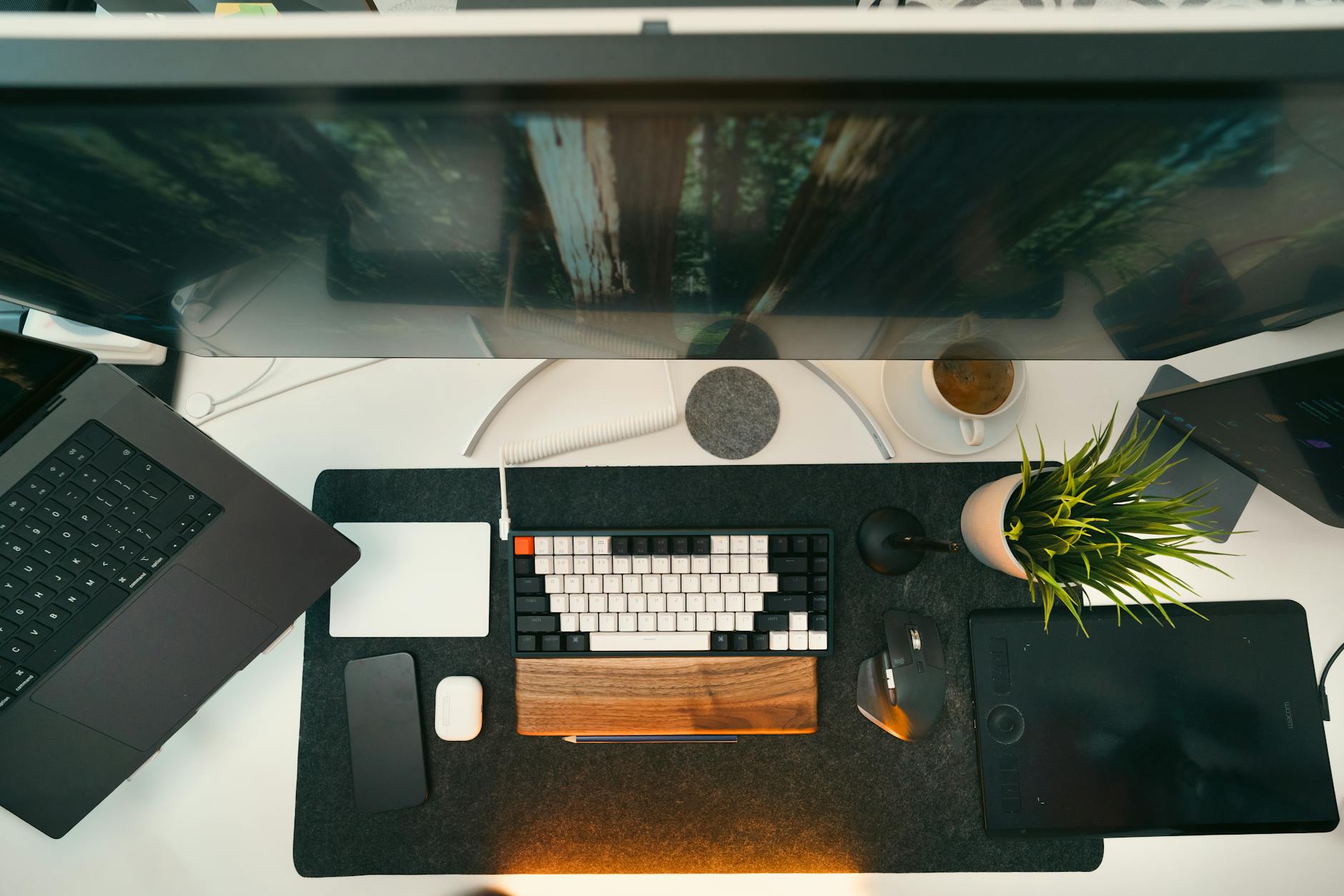
This setup features a dual-monitor arm (compatible with 24–27-inch screens), a USB-C hub for laptops, and a mechanical keyboard with silent switches. Pros: boosts productivity by 30% according to user reports; reduces cable clutter. Cons: requires a larger desk (at least 140 cm). Best for data analysts, designers, and programmers. Pricing snapshot: monitor arms from RM 150, hubs from RM 200, keyboards from RM 300.
3. Compact Apartment Setup
Maximise limited space without sacrificing comfort.
Designed for condo dwellers, this includes a wall-mounted foldable desk, a slim ergonomic chair, and a laptop stand with cooling fan. Pros: saves floor space; easy to stow away. Cons: limited surface area for dual monitors. Best for students or remote workers in studio apartments. Pricing snapshot: foldable desks from RM 250, laptop stands from RM 80.
4. High-Speed Connectivity Kit
Stay connected with reliable internet and backup power.
This kit includes a Wi-Fi 6 router (e.g., TP-Link or Asus), a UPS (uninterruptible power supply) for laptops, and a noise-cancelling headset. Pros: reduces lag during video calls; protects devices from power surges common in Malaysia. Cons: initial cost of RM 800–RM 1,500. Best for those who rely on cloud apps or frequent Zoom meetings. Pricing snapshot: routers from RM 300, UPS from RM 400, headsets from RM 200.
5. Budget-Friendly Starter Pack
Get started with essentials without breaking the bank.
Includes a basic adjustable desk (manual crank), a mid-back chair with cushion, and a simple LED desk lamp. Pros: affordable (under RM 1,000 total); easy to upgrade later. Cons: less ergonomic support for long hours. Best for freelancers or part-time remote workers on a tight budget. Pricing snapshot: desk from RM 350, chair from RM 300, lamp from RM 50.
How to Choose
- Ergonomics: Look for adjustable desks and chairs with lumbar support to prevent strain.
- Space availability: Measure your room and choose compact or foldable options if square footage is limited.
- Internet reliability: Invest in a quality router or mesh system, especially for unstable areas.
- Budget: Set a realistic range (RM 1,000–RM 3,000) and prioritise core items first.
- Climate adaptability: Opt for breathable materials like mesh chairs and cooling laptop stands.
- Future-proofing: Choose USB-C hubs and Wi-Fi 6 routers to accommodate newer devices.