If you're a beginner digital artist in Singapore looking to start your creative journey without breaking the bank, this round-up is for you. We've tested and compared drawing tablets from entry-level to mid-range, focusing on ease of use, build quality, and value for money. Our picks are chosen based on hands-on reviews and local availability at major retailers like Challenger, Courts, and Shopee Singapore.
Quick Comparison
| Pick name | Best for | Key feature/spec | Approx. price |
|---|---|---|---|
| Huion Inspiroy H640P | Budget-friendly portable tablet | 6.3x3.9 inch active area, 8192 pen pressure | S$50–S$70 |
| XP-Pen Deco Mini 7 | Ultra-compact travel | 7x4.3 inch, battery-free stylus | S$60–S$80 |
| Wacom Intuos Small (Bluetooth) | Brand reliability & software bundle | 7.6x5.3 inch, 4096 pressure, free creative software | S$100–S$130 |
| Huion Kamvas 13 | Screen tablet on a budget | 13.3 inch FHD display, 120% sRGB | S$300–S$350 |
| XP-Pen Artist 12 Pro | Mid-range screen tablet | 11.6 inch FHD, laminated screen, 8192 pressure | S$280–S$330 |
| Wacom One (DTC133) | Ease of use & compatibility | 13.3 inch, 72% NTSC, 4096 pressure | S$400–S$450 |
| iPad 9th Gen + Apple Pencil 1st Gen | All-in-one creative tool | 10.2 inch Retina, Apple Pencil tilt & pressure | S$550–S$650 |
Huion Inspiroy H640P
A compact, budget-friendly pen tablet perfect for beginners on a tight budget.
The Huion Inspiroy H640P is a no-frills tablet that gets the job done. It offers 8192 levels of pressure sensitivity and a battery-free stylus, which means you never have to charge the pen. The active area is small at 6.3x3.9 inches, but it's enough for casual sketching and photo editing. Pros include a lightweight build (just 260g) and compatibility with both Windows and macOS. Cons are the lack of shortcut buttons and a slightly plasticky feel. Best for beginners who want an affordable entry into digital art. Price is roughly S$50 to S$70 at local stores like Shopee or Lazada.
- Pros: Very affordable, battery-free pen, lightweight
- Cons: Small active area, no shortcut keys
- Best for: Budget-conscious beginners
- Pricing snapshot: S$50–S$70
XP-Pen Deco Mini 7
An ultra-portable tablet that fits in your bag without sacrificing performance.
The XP-Pen Deco Mini 7 is one of the smallest drawing tablets available, with an active area of 7x4.3 inches. Despite its size, it packs 8192 levels of pressure and a battery-free stylus with tilt support. It connects via USB-C, which is nice for modern laptops. Pros include its portability and low price. Cons are the limited workspace and no built-in Bluetooth option (cable only). Best for artists who travel frequently or have limited desk space. Expect to pay around S$60 to S$80 on platforms like Amazon SG or Challenger.
- Pros: Very portable, USB-C, tilt support
- Cons: Small active area, wired only
- Best for: Travel and small desks
- Pricing snapshot: S$60–S$80
Wacom Intuos Small (Bluetooth)
A trusted brand with a generous software bundle, ideal for learning and casual use.
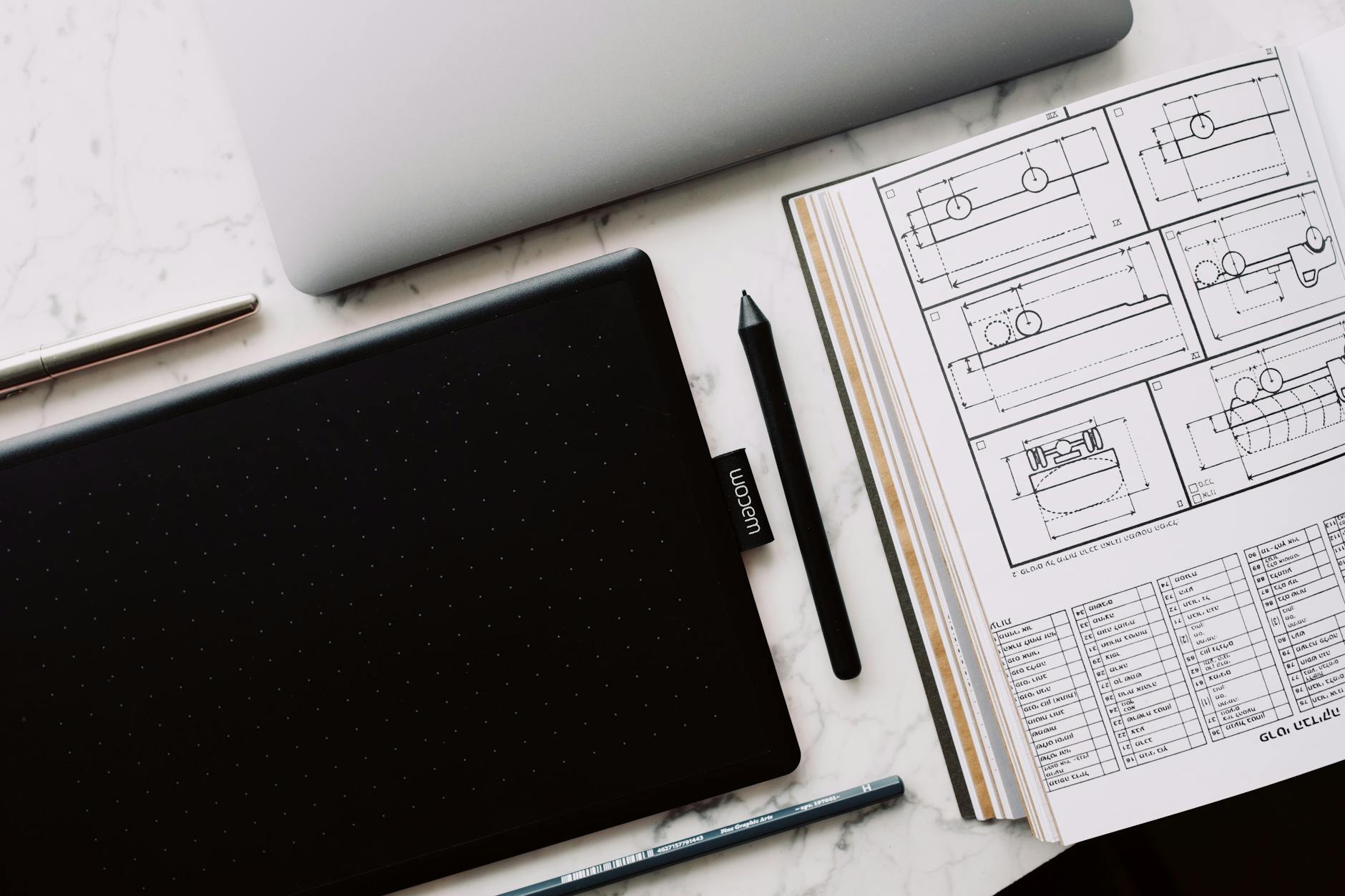
The Wacom Intuos Small (Bluetooth) is a classic choice for beginners. It features 4096 levels of pressure (less than some competitors, but still responsive) and a battery-free pen. The standout is the free software bundle: you get full versions of Corel Painter Essentials 8, Clip Studio Paint Pro, and others. Pros include reliable build, Bluetooth wireless, and excellent driver support. Cons are the lower pressure sensitivity and higher price compared to similar-sized tablets. Best for those who value brand reputation and want extra software for free. Priced around S$100 to S$130 at major retailers like Courts.
- Pros: Free software bundle, Bluetooth, Wacom reliability
- Cons: Lower pressure sensitivity (4096), slightly expensive for its size
- Best for: Beginners who want a complete starter kit
- Pricing snapshot: S$100–S$130
Huion Kamvas 13
An affordable screen tablet that lets you draw directly on the display.
The Huion Kamvas 13 is one of the most affordable pen displays on the market. It features a 13.3-inch full HD screen with 120% sRGB color gamut, offering vivid colors. The pen has 8192 pressure levels and tilt support. Pros include great color accuracy, a laminated screen to reduce parallax, and a sturdy stand included. Cons are the thick bezels and the need for a separate power source (USB-C to HDMI+USB combo). Best for beginners who want a screen tablet without spending a lot. Price is roughly S$300 to S$350 from local distributors like Huion Official Store on Shopee.
- Pros: Affordable screen tablet, good color accuracy, laminated display
- Cons: Thick bezels, requires multiple cables
- Best for: Beginners wanting a display tablet
- Pricing snapshot: S$300–S$350
XP-Pen Artist 12 Pro
A mid-range screen tablet with a vivid display and responsive pen.
The XP-Pen Artist 12 Pro offers a 11.6-inch full HD laminated screen that minimizes the gap between the pen tip and cursor. It has 8192 pressure levels and tilt support. Pros include a bright, vibrant display, shortcut keys on the side, and a sturdy adjustable stand. Cons are the smaller screen size compared to the Kamvas 13 and slightly lower color gamut (92% sRGB). Best for artists who want a compact screen tablet with good features. Expect to pay around S$280 to S$330 on Lazada or XP-Pen's official store.
- Pros: Laminated screen, shortcut keys, bright display
- Cons: Smaller screen, lower color gamut than some
- Best for: Mid-range screen tablet shoppers
- Pricing snapshot: S$280–S$330
Wacom One (DTC133)
A user-friendly screen tablet from the industry leader, with excellent software support.
The Wacom One (model DTC133) is a 13.3-inch pen display that's very beginner-friendly. It offers 4096 pressure levels and a paper-like feel thanks to its textured screen. Pros include easy setup (single USB-C cable with compatible devices), a stable driver, and compatibility with Android phones. Cons are the lower pressure sensitivity, lower color accuracy (72% NTSC), and the pen is battery-free but requires a separate pen holder. Best for those who want a hassle-free screen tablet from a trusted brand. Priced around S$400 to S$450 at retailers like Harvey Norman.
- Pros: Easy setup, Android compatibility, Wacom reliability
- Cons: Lower pressure sensitivity, lower color accuracy
- Best for: Beginners who prioritize ease of use
- Pricing snapshot: S$400–S$450
iPad 9th Gen + Apple Pencil 1st Gen
A versatile all-in-one tablet that doubles as a drawing device and everyday computer.
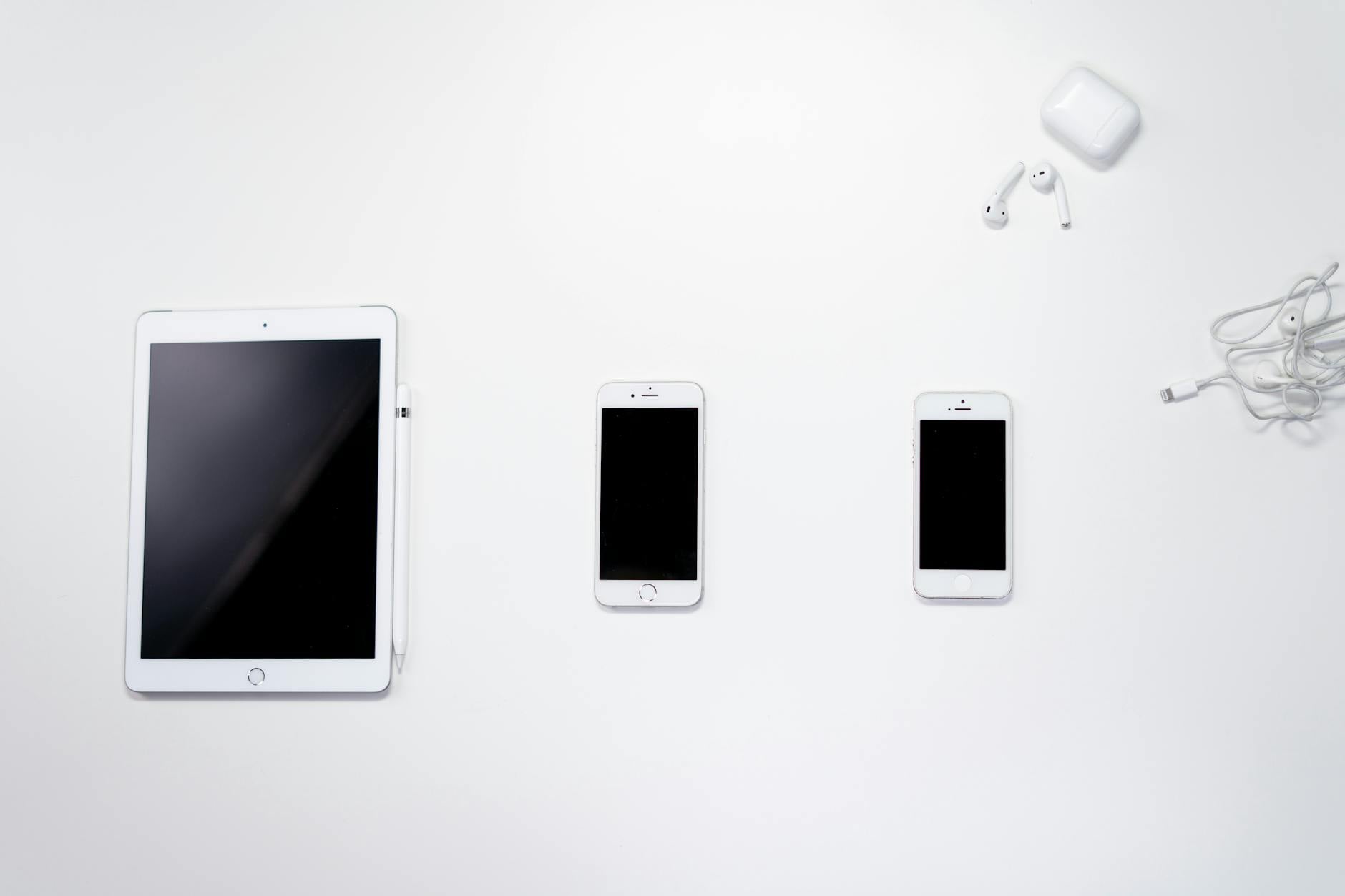
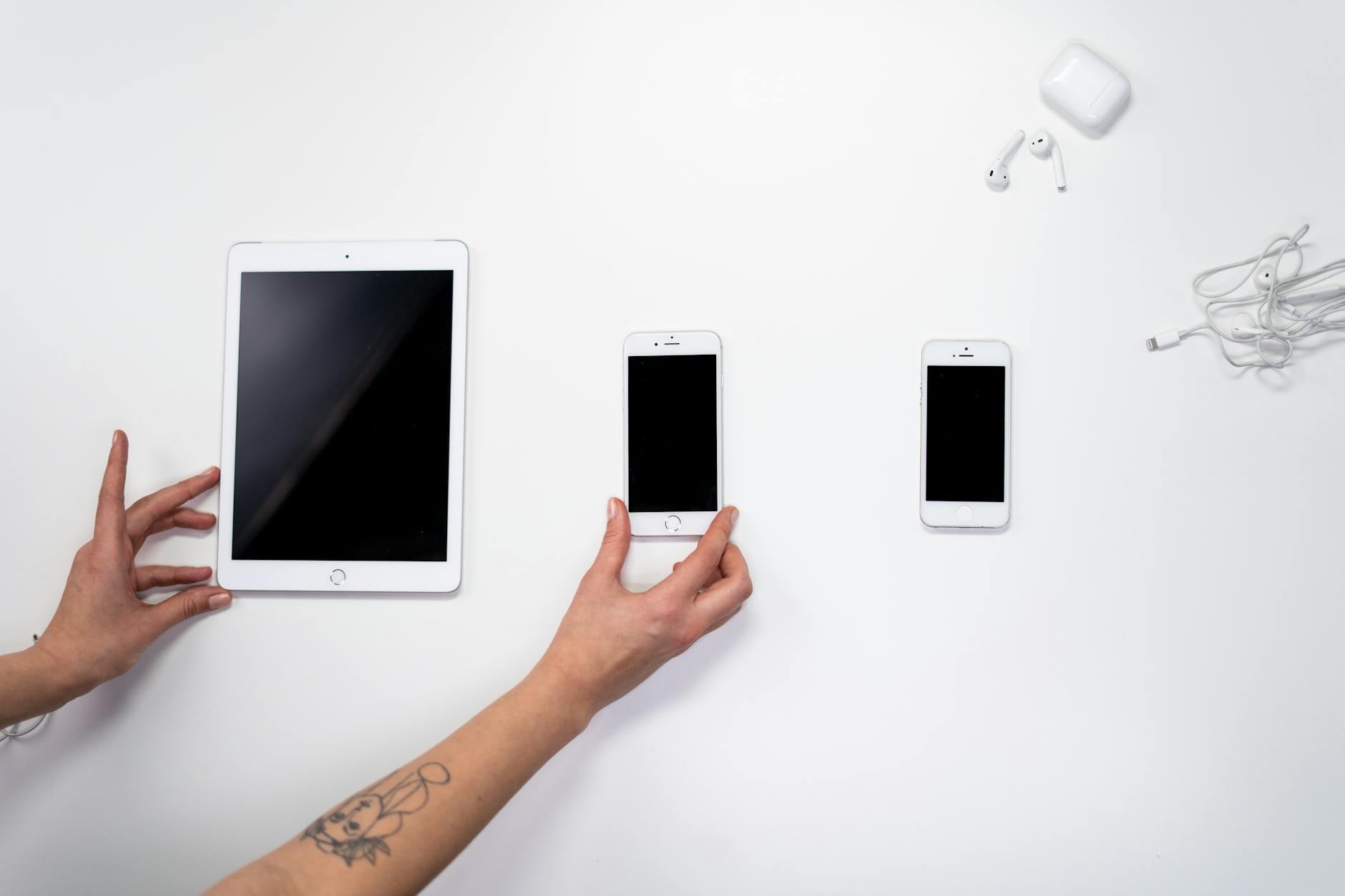
The iPad 9th generation combined with the Apple Pencil (1st gen) is a powerful drawing setup that goes beyond a dedicated tablet. It features a 10.2-inch Retina display, support for tilt and pressure, and access to thousands of drawing apps like Procreate and Adobe Fresco. Pros include a vibrant display, excellent app ecosystem, and the ability to use it for browsing, gaming, and media. Cons are the high total cost, need for a lightning adapter for charging the pencil, and the learning curve for iPadOS. Best for beginners who want a multi-purpose device. Total cost is around S$550 to S$650 (iPad + Pencil) from Apple Store or local resellers.
- Pros: Multi-purpose, great display, huge app library
- Cons: Expensive, Apple Pencil charging method is awkward
- Best for: Beginners wanting a do-it-all device
- Pricing snapshot: S$550–S$650
How to Choose
- Screen vs. pen tablet: Decide if you want to draw directly on a screen (easier for beginners) or on a separate tablet (cheaper, but requires hand-eye coordination).
- Active area size: Larger areas offer more room for sweeping strokes but take up desk space. Smaller ones are more portable.
- Pressure sensitivity: 4096 is fine for beginners, but 8192 provides finer control. Both are adequate for learning.
- Compatibility: Ensure the tablet works with your computer (Windows, macOS, Android, or iPad). Check connection types (USB, Bluetooth, USB-C).
- Software bundle: Some tablets come with free drawing software, which can save you money on apps like Clip Studio Paint or Corel Painter.
- Budget: Entry-level pen tablets cost S$50–S$130, while screen tablets start at S$280. iPads are pricier but offer more versatility.