Whether you're a student taking lecture notes, a professional jotting down ideas, or a bookworm who wants a digital library, the right tablet can transform your workflow. This list is for Singaporeans who value a natural writing feel, long battery life, and a sharp display for hours of reading. We've selected these picks based on real-world testing, focusing on stylus accuracy, screen quality, and value for money in the local market.
Quick Comparison
| Pick Name | Best for | Key Feature/Spec | Approx. Price (SGD) |
|---|---|---|---|
| reMarkable 2 | Distraction-free writing | 10.3-inch e-ink, 4.7 mm thin | $599 |
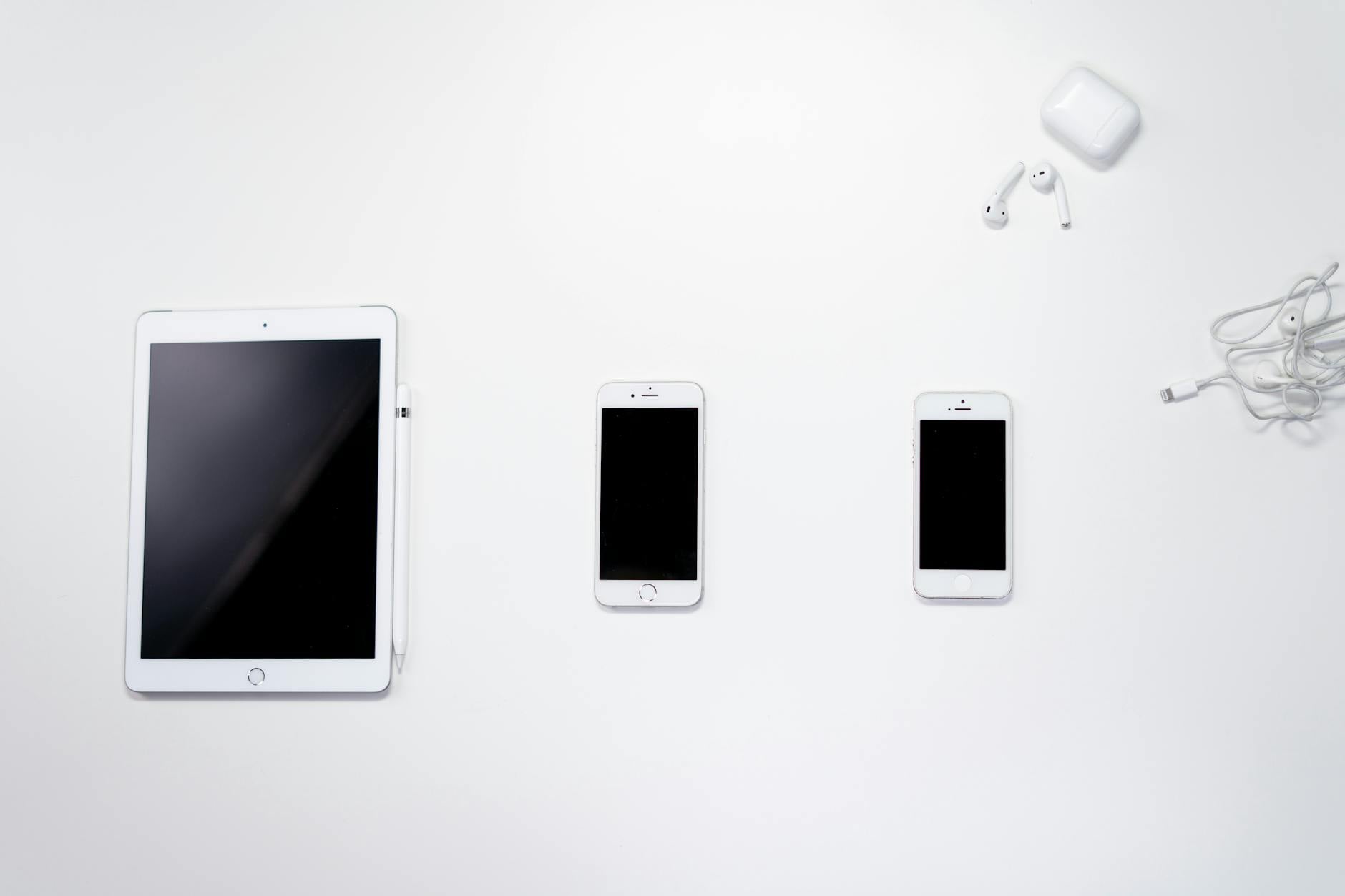
| Apple iPad 10.9 (10th Gen) | Versatile note-taking with apps | 10.9-inch Liquid Retina, Apple Pencil 1 support | $499 |
| iPad Air M2 (11-inch) | Power users who also draw | M2 chip, 11-inch Liquid Retina, Apple Pencil Pro | $899 |
| Boox Note Air3 C | Color e-ink for documents | 10.3-inch Kaleido 3 color e-ink, Android 12 | $799 |
| Samsung Galaxy Tab S9 FE | Budget Android note-taking | 10.9-inch TFT LCD, S Pen included | $498 |
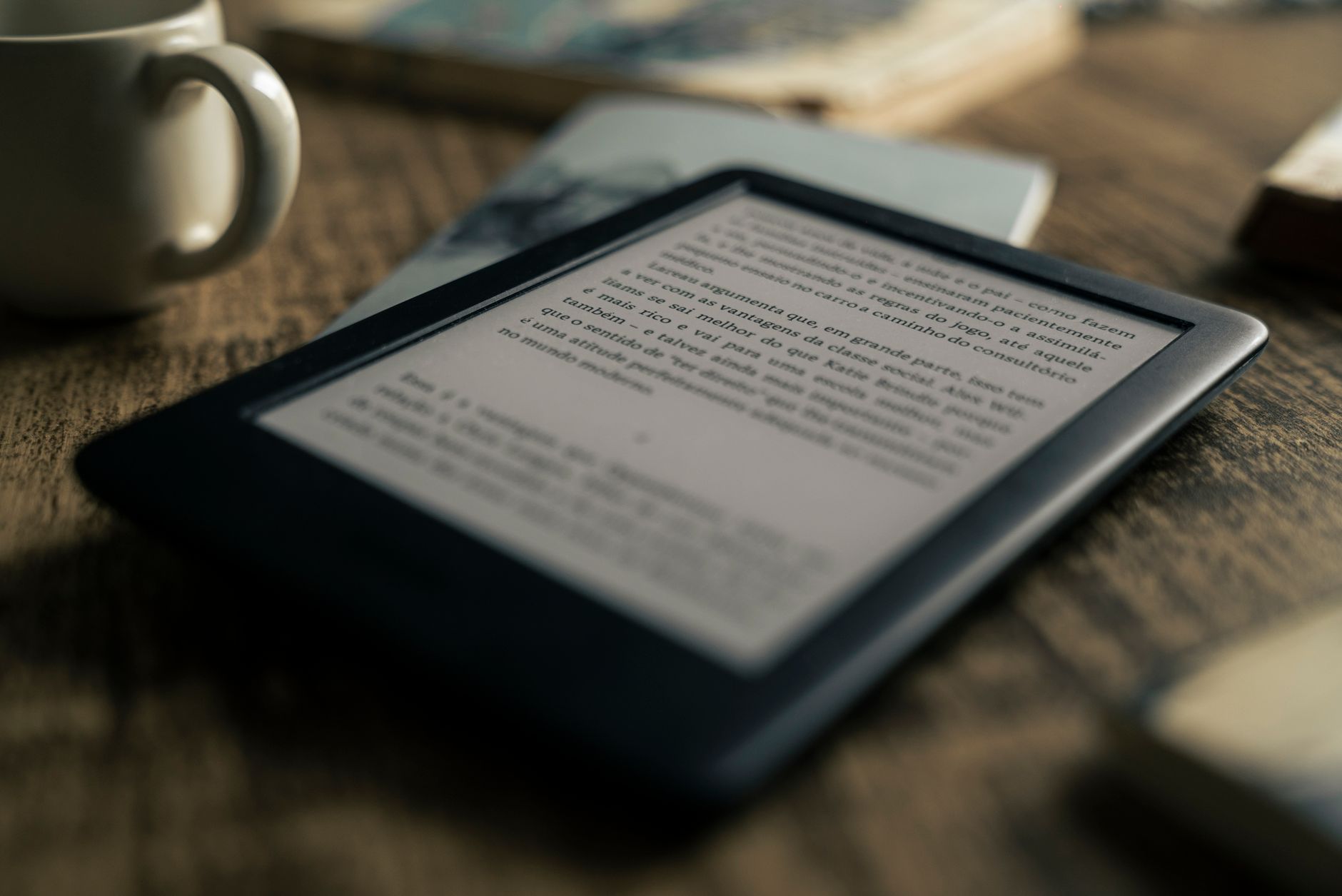
| Amazon Kindle Scribe | Reading plus note-taking | 10.2-inch e-ink, pen included, Kindle ecosystem | $479 |
| Lenovo Tab P12 | Large-screen reading | 12.7-inch 3K IPS, Lenovo Precision Pen 3 | $499 |
reMarkable 2
The ultimate tool for focused writing without distractions.
The reMarkable 2 is a dedicated e-ink tablet that feels like paper. Its ultra-thin design and textured screen make writing a pleasure, and the battery lasts up to two weeks on a single charge. However, it lacks backlighting, so you need a lamp for night reading, and it doesn't support third-party apps like Evernote. Best for writers and students who want zero notifications. Pricing starts at SGD 599 for the tablet alone, with the Marker Plus pen at SGD 119.
- Pros: Excellent paper-like writing feel, long battery life, distraction-free interface
- Cons: No backlight, no app ecosystem, expensive pen upgrade
- Best for: Focused note-taking and journaling
- Pricing: Approx. SGD 599 (tablet only)
Apple iPad 10.9 (10th Gen)
A versatile tablet that handles reading, note-taking, and streaming with ease.
The standard iPad is a fantastic all-rounder. It supports the first-gen Apple Pencil, which works well for note-taking, though charging is a bit awkward. The 10.9-inch display is bright and sharp for reading PDFs and books. It lacks the laminated display of the Air, so there's a tiny gap between glass and screen. Best for students who need one device for everything. Pricing starts around SGD 499, with the Apple Pencil 1 at SGD 129.
- Pros: Great app ecosystem, solid performance, affordable entry point
- Cons: Non-laminated display, Apple Pencil 1 charging method
- Best for: General note-taking and reading with multiple apps
- Pricing: Approx. SGD 499 (tablet only)
iPad Air M2 (11-inch)
Powerful performance with a premium note-taking experience.
The iPad Air M2 supports the new Apple Pencil Pro, which adds squeeze gestures and haptic feedback for a more natural writing feel. The 11-inch Liquid Retina display is laminated, so there's no gap, and it's perfect for reading magazines or textbooks. It's also fast enough for heavy multitasking. Best for creative professionals and power users. Pricing starts at SGD 899, with the Apple Pencil Pro at SGD 179.
- Pros: Laminated display, Apple Pencil Pro support, M2 chip for speed
- Cons: Higher price, no e-ink display
- Best for: Heavy note-taking and digital art
- Pricing: Approx. SGD 899 (tablet only)
Boox Note Air3 C
Color e-ink for reading documents with highlights and diagrams.
The Boox Note Air3 C uses a Kaleido 3 color e-ink screen, which is great for reading PDFs with colored charts or highlighting. It runs on Android 12, so you can install apps like Kindle or OneNote. The writing feel is smooth, and it has a front light for night use. However, color e-ink is less vibrant than LCD, and battery life is shorter than monochrome e-ink. Best for students who need color for textbooks. Pricing is around SGD 799, including the stylus.
- Pros: Color e-ink, Android app support, front light
- Cons: Muted colors, shorter battery than Kindle
- Best for: Reading color documents and annotating
- Pricing: Approx. SGD 799
Samsung Galaxy Tab S9 FE
An affordable Android tablet with a capable S Pen included.
The Galaxy Tab S9 FE comes with the S Pen in the box, making it a great value for note-taking. The 10.9-inch TFT LCD is decent for reading, but not as sharp as OLED. It has a microSD slot for storage expansion, which is handy for eBooks. The performance is good for basic tasks. Best for budget-conscious users who prefer Android. Pricing starts at SGD 498, with the S Pen included.
- Pros: S Pen included, expandable storage, affordable
- Cons: TFT display, average brightness
- Best for: Budget note-taking on Android
- Pricing: Approx. SGD 498
Amazon Kindle Scribe
A dedicated reading device that also lets you jot notes.
The Kindle Scribe combines Amazon's vast eBook library with a 10.2-inch e-ink display and a pen for note-taking. It's excellent for reading novels and PDFs, with a warm front light for night use. The note-taking is basic—good for simple annotations but not for complex diagrams. Best for avid readers who occasionally take notes. Pricing starts at SGD 479 for the 16GB version, with the pen included.
- Pros: Best eBook ecosystem, long battery life, front light
- Cons: Limited note-taking features, no color
- Best for: Reading first, note-taking second
- Pricing: Approx. SGD 479
Lenovo Tab P12
A large screen for reading magazines and annotating documents.
The Lenovo Tab P12 has a 12.7-inch 3K IPS display, perfect for reading large-format content like comics or sheet music. It comes with the Lenovo Precision Pen 3, which offers a decent writing feel. The tablet runs Android and supports multitasking. However, it's heavy and the display is not e-ink, so it's less comfortable for long reading sessions. Best for users who need a big screen for reading and occasional notes. Pricing is around SGD 499.
- Pros: Large, sharp display, pen included, good value
- Cons: Heavy, not e-ink, average battery life
- Best for: Reading magazines and PDFs
- Pricing: Approx. SGD 499
How to Choose
- Screen Type: E-ink is best for long reading sessions and battery life; LCD/OLED is better for color and app versatility.
- Stylus Quality: Look for low latency and pressure sensitivity. Apple Pencil and S Pen are top-tier; third-party pens vary.
- Battery Life: E-ink tablets last weeks; LCD tablets need daily charging if used heavily.
- Ecosystem: If you use Kindle or Apple Books, choose a device that integrates well with your library.
- Portability: 10-inch tablets are easy to carry; larger screens are better for reading but heavier.