As a student in Singapore, you need a laptop that balances power, portability, and price—without blowing your budget. Whether you're juggling online lectures, group projects, or late-night essay writing, the right machine makes all the difference. We’ve tested and compared the top models for 2026, focusing on real-world performance, build quality, and value for money in the local market. Here are our expert picks.
Quick Comparison
| Pick name | Best for | Key feature/spec | Approx. price |
|---|---|---|---|
| Apple MacBook Air M3 | All-around performance | M3 chip, 13.6-inch Liquid Retina display | From S$1,599 |
| ASUS Vivobook S 15 OLED | Multimedia and creativity | Intel Core Ultra 5, 15.6-inch OLED screen | From S$1,299 |
| Lenovo IdeaPad Slim 5 14 | Budget-friendly productivity | AMD Ryzen 5 7530U, 14-inch IPS display | From S$999 |
| HP Pavilion Plus 14 | Stylish and portable | Intel Core i5-13500H, 2.2K IPS display | From S$1,199 |
| Dell XPS 13 (2026) | Premium portability | Intel Core Ultra 7, 13.4-inch OLED touch | From S$2,099 |
| Acer Swift Go 14 | Battery life and value | AMD Ryzen 7 7840U, 14-inch IPS, 12-hour battery | From S$1,099 |
Apple MacBook Air M3
The ultimate student companion for speed and silence.
- Pros: Blazing-fast M3 chip, silent fanless design, excellent battery life (up to 18 hours), lightweight at 1.24 kg.
- Cons: Limited to two Thunderbolt ports, no 15-inch option for 2026 base model, pricey for some budgets.
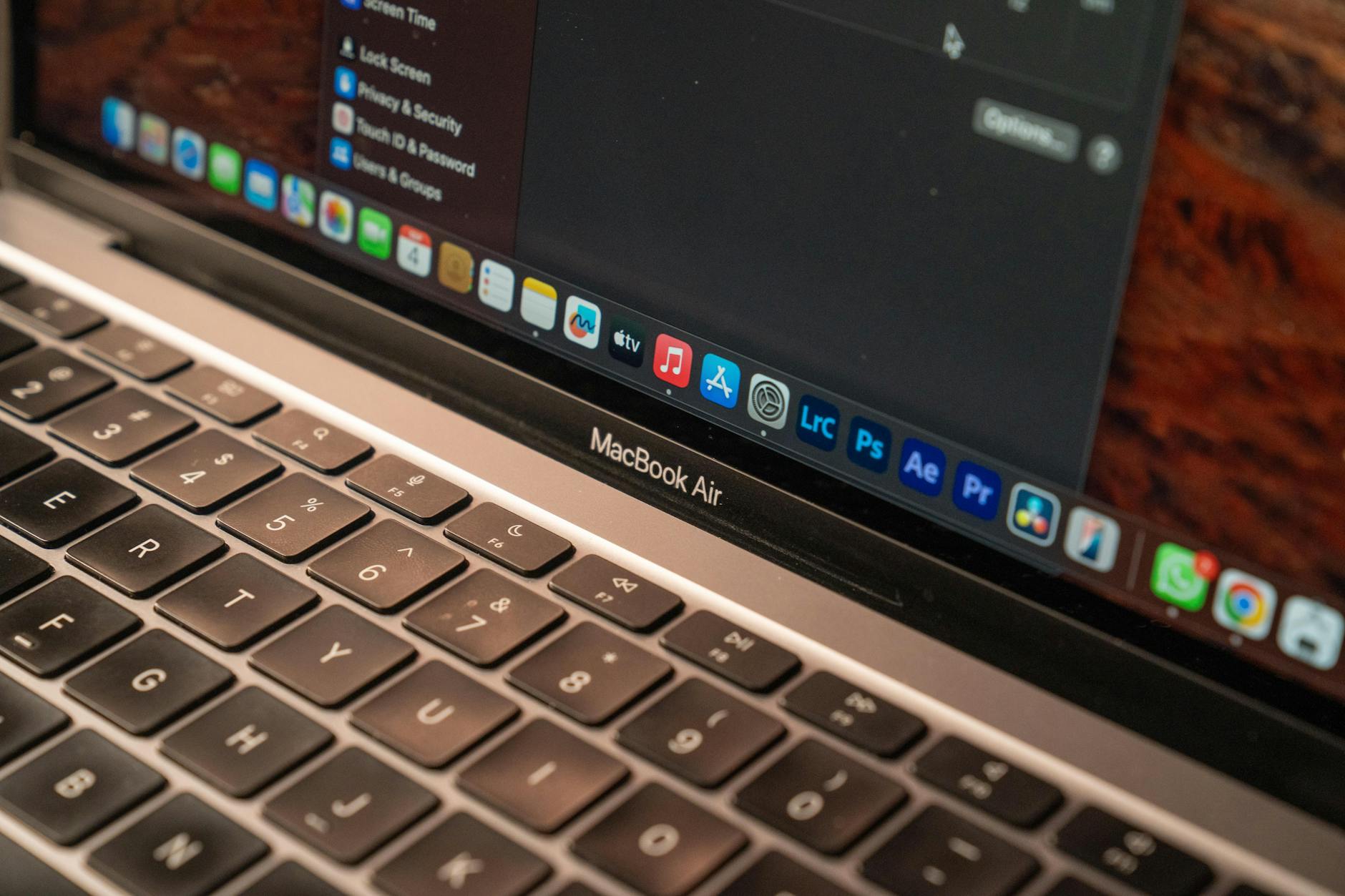
The MacBook Air M3 is our top pick for most students in Singapore. It handles everything from coding to video editing without breaking a sweat, and the fanless design means no noise during lectures. The 13.6-inch Liquid Retina display is crisp and bright, perfect for reading PDFs or watching tutorials. Battery life easily lasts a full day on campus. At around S$1,599, it’s an investment, but one that pays off with long-term reliability. Best for students who want a premium, hassle-free experience. Pricing verified at Apple Store and major retailers.
ASUS Vivobook S 15 OLED
Vivid OLED display for creative projects and media consumption.
- Pros: Stunning 15.6-inch OLED screen with 100% DCI-P3, good performance with Intel Core Ultra 5, ample port selection including USB-C.
- Cons: Slightly heavier at 1.8 kg, battery life average at around 8-9 hours, fan can get audible under load.
If you’re a design or media student, the Vivobook S 15 OLED’s screen is a game-changer. Colours pop, blacks are deep, and it’s great for photo editing or watching Netflix between classes. The Intel Core Ultra 5 chip handles multitasking well, though it’s not the fastest for heavy 3D work. At S$1,299, it offers excellent value for the display alone. Best for students who prioritise screen quality and need a larger canvas. Pricing varies by configuration; check local stores for deals.
Lenovo IdeaPad Slim 5 14
Reliable performance at a student-friendly price.
- Pros: Solid AMD Ryzen 5 performance, good 14-inch IPS display, decent battery life (up to 10 hours), affordable price.
- Cons: Build feels plasticky, average speakers, no dedicated GPU for gaming.
The IdeaPad Slim 5 is a no-nonsense laptop for students on a budget. The Ryzen 5 7530U is snappy for everyday tasks like typing essays, browsing, and running Office apps. The 14-inch screen is sharp enough for most work, and it’s light enough to carry around campus. At S$999, it’s one of the best value picks in Singapore. Best for budget-conscious students who need a reliable workhorse without extras. Pricing verified at Lenovo Singapore and major retailers like Challenger.
HP Pavilion Plus 14
Stylish design with a crisp high-resolution display.
- Pros: Premium aluminium build, 2.2K IPS display, good keyboard and trackpad, decent performance from i5-13500H.
- Cons: Fan noise under load, battery life around 7-8 hours, no USB-A ports.
The Pavilion Plus 14 looks and feels more expensive than its price tag suggests. The 2.2K display is great for detailed work, and the build quality rivals pricier models. Performance is solid for general use, though the fan can spin up during video calls or multitasking. At S$1,199, it’s a stylish option that doesn’t compromise on essentials. Best for students who want a premium look without breaking the bank. Pricing varies; check HP Online Store or Lazada.
Dell XPS 13 (2026)
Ultra-portable premium laptop for power users.
- Pros: Incredibly lightweight (1.17 kg), gorgeous OLED touch display, top-tier Intel Core Ultra 7 performance, excellent build quality.
- Cons: Expensive, limited ports (only two USB-C), battery life is average at 8 hours.
The XPS 13 is for students who demand the best and are willing to pay for it. The 2026 model features a stunning OLED touchscreen and Intel’s latest Ultra 7 chip, making it a powerhouse for programming, data analysis, or creative work. The small footprint fits easily in any bag. However, the lack of ports means you’ll need dongles. At S$2,099, it’s a serious investment. Best for tech-savvy students who prioritise portability and performance. Pricing verified at Dell Singapore.
Acer Swift Go 14
Long battery life and solid performance for all-day use.
- Pros: Excellent battery life (12+ hours), fast AMD Ryzen 7 7840U, good 14-inch IPS display, lightweight at 1.25 kg.
- Cons: Build is mostly plastic, average speakers, webcam quality is just okay.
The Swift Go 14 is built for students who hate carrying chargers. With over 12 hours of battery life, it easily lasts through a full day of classes and library sessions. The Ryzen 7 chip provides plenty of power for multitasking and light creative work. It’s lightweight and easy to carry. At S$1,099, it’s a great mid-range option. Best for students who need long battery life and solid performance. Pricing varies; check Acer Singapore or Shopee.
How to Choose
- Battery life: Look for at least 8-10 hours for a full day on campus. Models like the Acer Swift Go 14 or MacBook Air M3 excel here.
- Portability: Weight under 1.5 kg and a 13-14 inch screen are ideal for carrying between classes. The Dell XPS 13 and MacBook Air M3 are top choices.
- Performance: For general use, an Intel Core i5 or AMD Ryzen 5 is sufficient. For coding or design, consider i7/Ryzen 7 or Apple M3.
- Display quality: If you work with media, a high-resolution or OLED screen (like the ASUS Vivobook S 15) is worth the extra cost.
- Budget: Set a realistic budget between S$1,000 and S$1,600. The Lenovo IdeaPad Slim 5 offers great value, while the XPS 13 is for higher budgets.
- Connectivity: Check for USB-A ports if you use older peripherals. Many ultrabooks now rely on USB-C, so plan for adapters if needed.