At a Glance: MacBook Air vs MacBook Pro
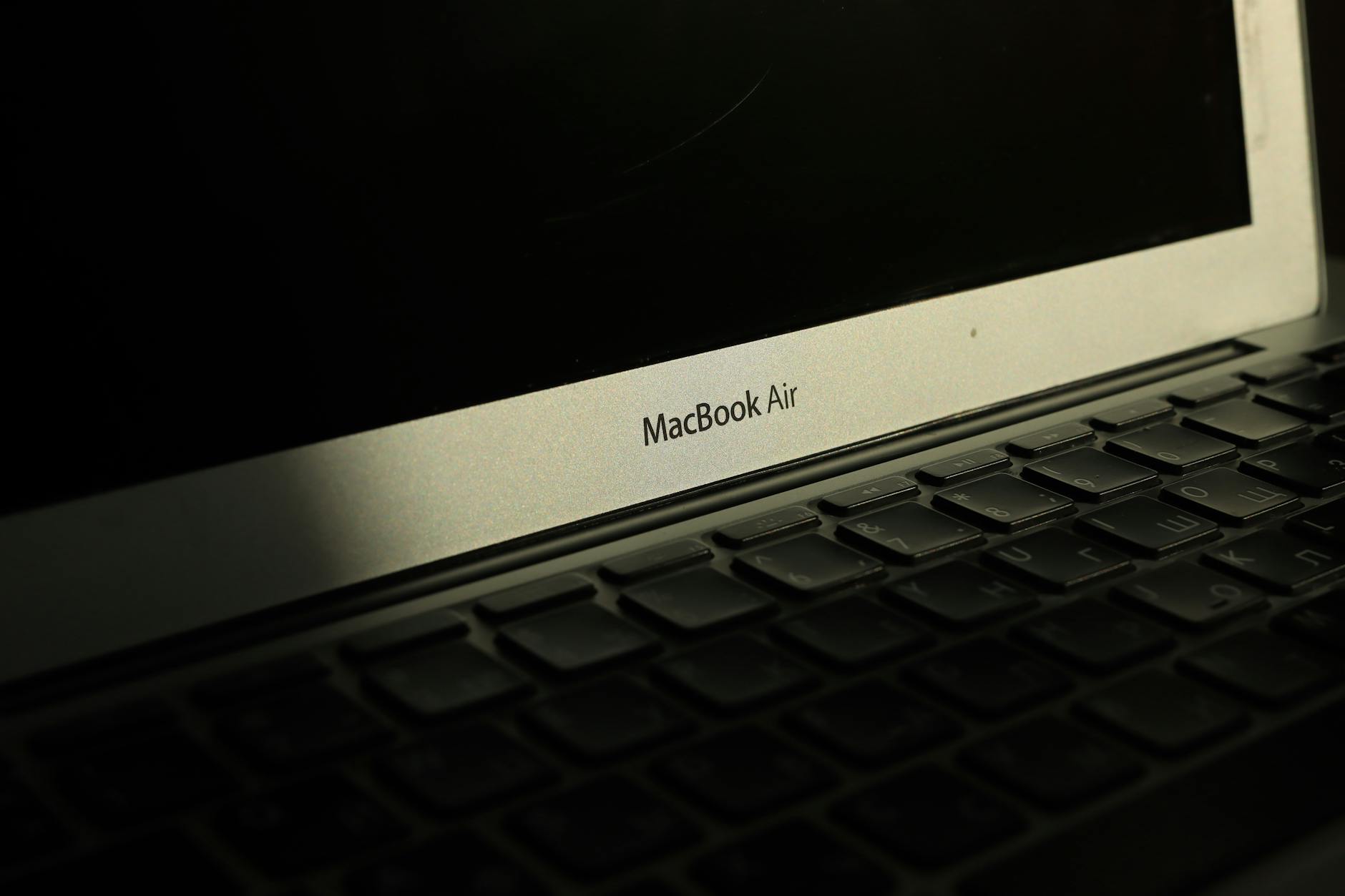
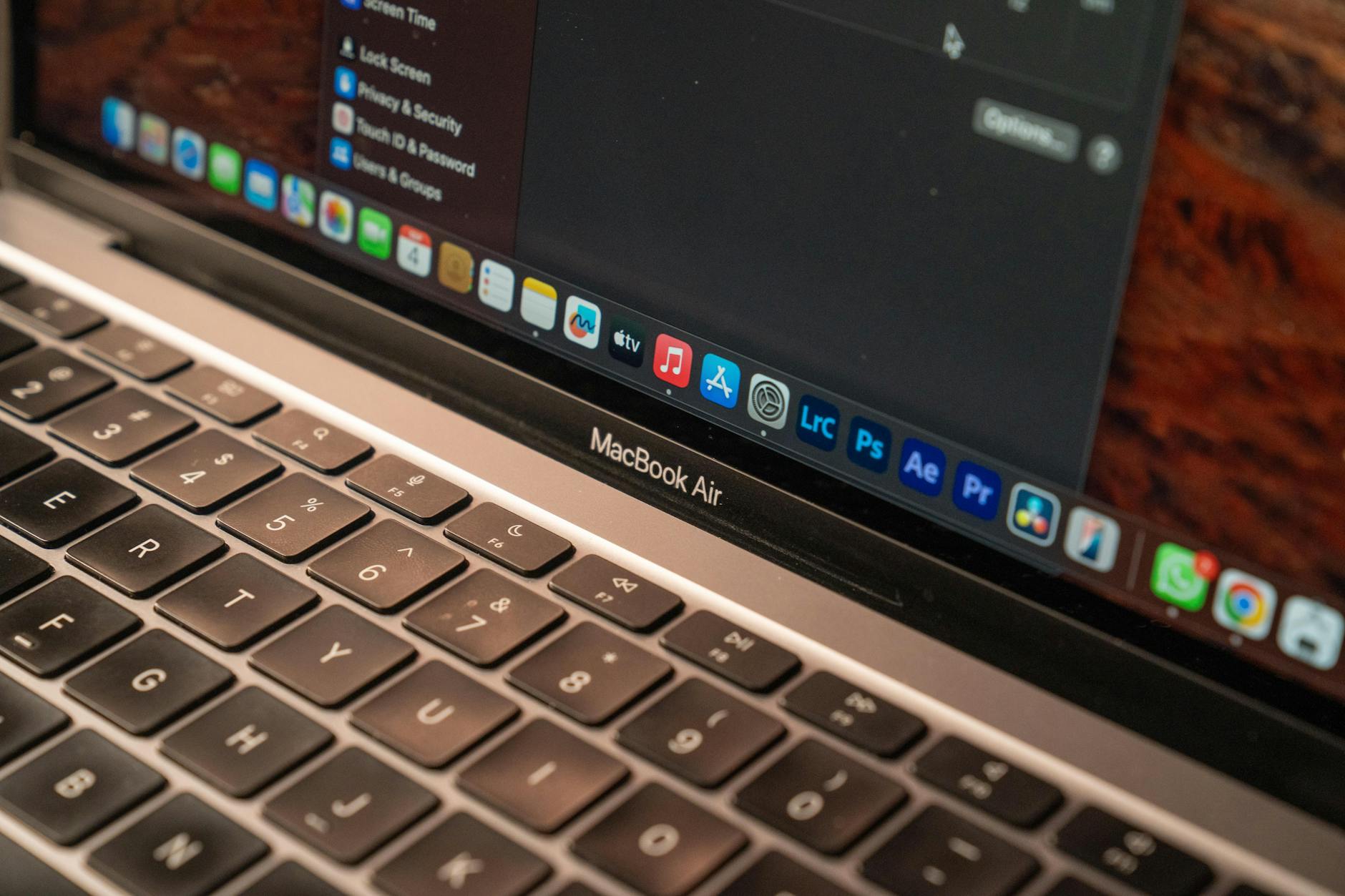
Both Apple laptops are stellar, but they serve different masters. The MacBook Air (M2 or M3) is the featherweight champion for on-the-go professionals, while the MacBook Pro (14-inch or 16-inch) is the powerhouse for demanding tasks. In Singapore, where space is premium and coffee shops double as offices, the Air's portability shines. But if you're crunching 4K video or compiling code, the Pro's sustained performance and superior display justify the higher price tag.
Feature-by-Feature Comparison
Pricing
In Singapore, the MacBook Air starts at around S$1,599 (M2) or S$1,799 (M3), while the 14-inch MacBook Pro starts at S$2,399 (M3 Pro) and goes up sharply. The 16-inch Pro begins at S$3,299. For budget-conscious freelancers or students, the Air offers great value. However, for professionals needing raw power, the Pro's price is an investment in productivity. Prices vary by retailer and promotions, so always check local stores like Apple Store, Courts, or Challenger.
Ease of Use
Both run macOS, so the core experience is identical. The Air is lighter—about 1.24 kg vs the 14-inch Pro's 1.55 kg—making it easier to carry around Singapore's MRT or between meetings. The Pro's larger footprint and weight can be a drag for daily commutes. The Air also has no fan, so it's silent, whereas the Pro's fans kick in under load. For most office work (email, browsing, documents), the Air is just as fluid. For heavy rendering, the Pro stays cooler and quieter thanks to active cooling.
Integrations
Both support Thunderbolt 4/USB-C ports, but the Pro adds an HDMI port, SDXC card slot, and MagSafe charging—a boon for photographers or those who connect to external monitors. In Singapore's co-working spaces, the Pro's HDMI is convenient for presentations without dongles. The Air has only two Thunderbolt ports and a MagSafe connector, so you may need adapters for monitors or SD cards. Both work seamlessly with iCloud, AirDrop, and other Apple ecosystem features.
Support
Apple's standard one-year warranty applies to both. In Singapore, you can extend to three years with AppleCare+ (around S$299 for Air, S$389 for Pro). Walk-in support at Apple Orchard or authorized service centers is available, but wait times vary. The Pro often gets priority at Genius Bar appointments due to its professional user base. For urgent repairs, third-party shops in Sim Lim Square offer faster, cheaper alternatives, but ensure they use genuine parts.
Best For
MacBook Air: Best for students, writers, remote workers, and light creatives who prioritize portability and battery life (up to 18 hours). It handles web apps, Microsoft Office, and even light photo editing with ease. MacBook Pro: Best for developers, video editors, 3D designers, and data scientists who need sustained performance, a brighter display (up to 1600 nits), and more RAM/storage options. The Pro's mini-LED screen with ProMotion is a game-changer for color-accurate work.
Verdict: Which One for Whom?
For the typical Singaporean professional who works in Google Docs, attends Zoom meetings, and browses on the go, the MacBook Air is the smarter choice—lighter, cheaper, and plenty fast. But if your work involves heavy lifting—think Final Cut Pro, Xcode, or large datasets—the MacBook Pro's extra horsepower and ports save you time and frustration. Ultimately, ask yourself: do you need the power, or do you need the portability? Your answer decides your laptop.