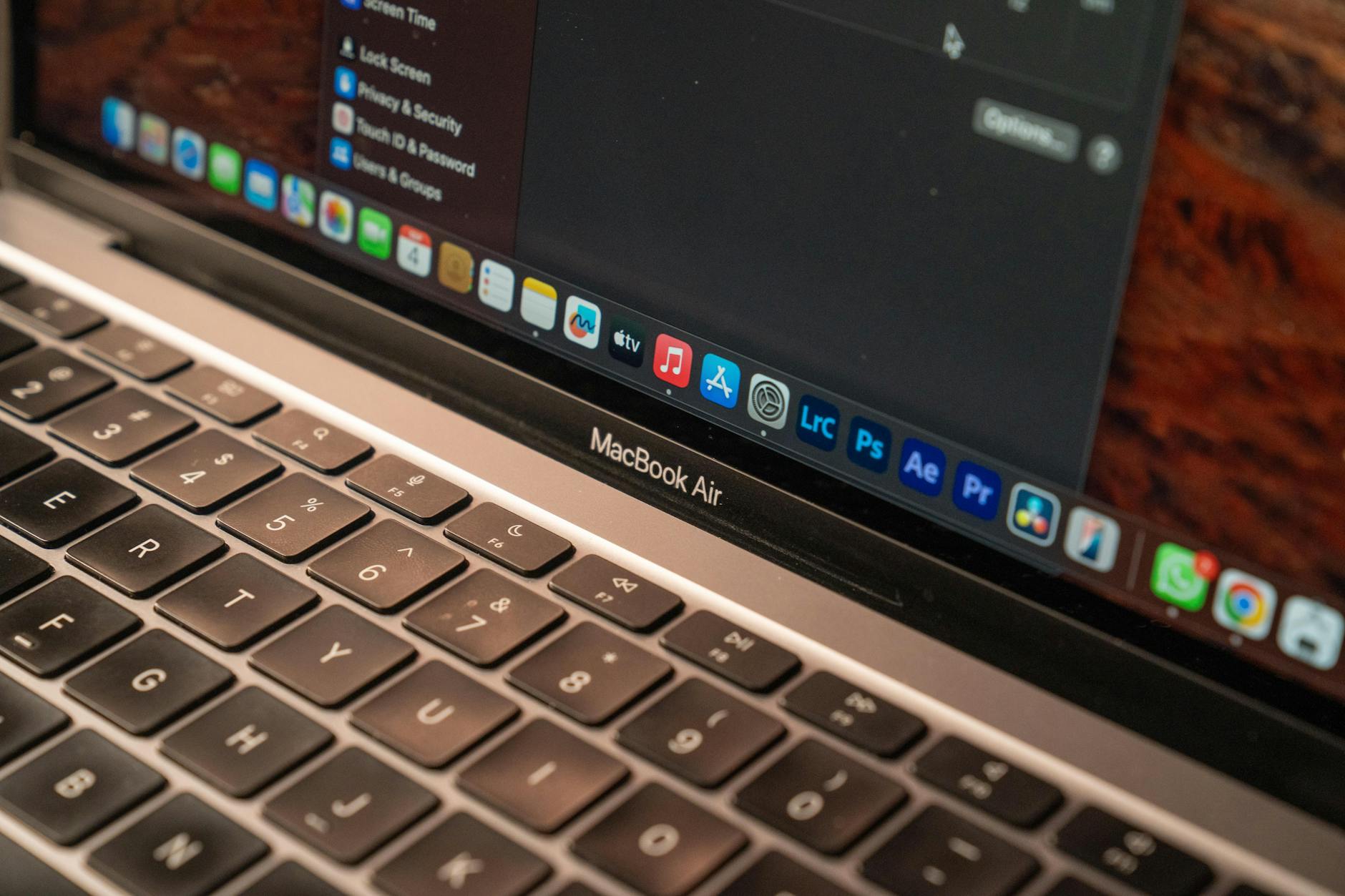
If you're hunting for a reliable laptop without breaking the bank in Singapore, you're in the right place. This list is for tech-savvy users who need solid performance for work, study, or light entertainment, but can't stretch beyond $1000. Each pick was chosen based on real-world value, local availability, and user reviews, ensuring you get the best bang for your buck.
Quick Comparison
| Pick | Best For | Key Spec | Approx. Price (SGD) |
|---|---|---|---|
| Acer Aspire 5 | All-round productivity | Intel i5, 8GB RAM, 512GB SSD | $899 |
| Lenovo IdeaPad Slim 3 | Students | AMD Ryzen 5, 8GB RAM, 256GB SSD | $799 |
| ASUS Vivobook 15 | Multimedia & casual gaming | Intel i5, 16GB RAM, 512GB SSD | $999 |
| HP Laptop 15 | Budget reliability | Intel i3, 8GB RAM, 256GB SSD | $649 |
| Dell Inspiron 15 | Build quality | Intel i5, 8GB RAM, 512GB SSD | $949 |
| Microsoft Surface Go 3 | Portability & tablet use | Intel Pentium, 8GB RAM, 128GB SSD | $749 (with keyboard) |
| Chuwi CoreBook X | Value for specs | Intel i5, 16GB RAM, 512GB SSD | $699 |
Acer Aspire 5
The solid all-rounder for work and play without going over budget.
The Acer Aspire 5 is a popular choice in Singapore for good reason. It packs an Intel Core i5 with 8GB RAM and a fast 512GB SSD, handling multiple tabs and office apps with ease. The 15.6-inch Full HD display is decent for Netflix and document work, while the battery lasts about 7 hours on a charge. Build quality is plastic but acceptable for the price. However, the fan can get noisy under load, and the trackpad feels a bit loose. Best for students and remote workers who need a dependable daily driver. Pricing is around $899 at local retailers like Challenger or online.
- Pros: Good processor performance, ample storage, decent screen.
- Cons: Noisy fan, average battery life, plastic build.
- Best for: General productivity and light multitasking.
Lenovo IdeaPad Slim 3
A student-friendly laptop that balances price and performance.
Lenovo's IdeaPad Slim 3 features an AMD Ryzen 5 processor, which is great for multitasking and even some light photo editing. The 8GB RAM and 256GB SSD are sufficient for schoolwork, but you might want an external drive for more files. Its slim design and 1.65kg weight make it easy to carry around campus. The keyboard is comfortable for long typing sessions, but the display is only 250 nits, so it's not great outdoors. Battery life is around 8 hours, solid for a day of classes. At $799, it's a steal for students on a budget. Available at Courts and Lazada.
- Pros: Great value for the price, good CPU performance, lightweight.
- Cons: Limited storage, dim display, no USB-C charging.
- Best for: Students and light office work.
ASUS Vivobook 15
For users who want extra RAM and storage without spending more.
The ASUS Vivobook 15 is a standout for its 16GB RAM and 512GB SSD combo at just under $1000. This makes it ideal for running multiple apps, virtual machines, or casual gaming like League of Legends. The Intel Core i5 handles everyday tasks smoothly, and the full HD screen is bright and colorful. The downside is the plastic chassis feels a bit cheap, and the battery life is only about 6 hours. Also, the fan runs often. Best for power users who need more memory for heavy workloads. Priced at $999 at most Singaporean stores like Harvey Norman.
- Pros: 16GB RAM, fast SSD, good display.
- Cons: Short battery life, plastic build, fan noise.
- Best for: Multitasking and light gaming.
HP Laptop 15
A no-frills budget pick that just works for everyday tasks.
HP's entry-level 15-incher is a reliable workhorse for basic needs like web browsing, email, and Microsoft Office. With an Intel Core i3, 8GB RAM, and a 256GB SSD, it won't win speed contests, but it's cheap at $649. The design is simple and professional, and the keyboard is comfortable. The main drawbacks are the low-resolution screen (1366x768) and the lack of USB-C ports. Battery life is around 7 hours. If you just need a laptop for light use and want to save money, this is a solid choice. Available at Gain City and Shopee.
- Pros: Very affordable, decent build, good keyboard.
- Cons: Low-res display, no USB-C, slow CPU for heavy tasks.
- Best for: Budget-conscious buyers for basic computing.
Dell Inspiron 15
A durable option with better build quality than most budget laptops.
The Dell Inspiron 15 offers a sturdier chassis compared to its peers, with an Intel Core i5, 8GB RAM, and a 512GB SSD. The 15.6-inch Full HD screen is sharp, and the battery lasts about 8 hours. It's great for office work and streaming, but the speakers are below average, and the laptop is a bit heavy at 1.8kg. Dell's after-sales support in Singapore is a plus. At $949, it's slightly pricier but worth it if you value durability. Best for professionals who need a reliable machine for daily use. Check Dell's official site or Lazada.
- Pros: Solid build, good battery, reliable performance.
- Cons: Heavy, weak speakers, higher price for specs.
- Best for: Users who prioritize build quality and support.
Microsoft Surface Go 3
A versatile 2-in-1 for those who need tablet portability with laptop basics.
The Surface Go 3 is a small 10.5-inch device that works as both a tablet and a laptop with the optional keyboard. It's perfect for note-taking, light browsing, and media consumption on the go. The Intel Pentium processor and 8GB RAM handle basic tasks, but don't expect heavy multitasking. The 128GB SSD is tight, so rely on cloud storage. Battery life is around 6 hours. The main con is the small screen for productivity and the keyboard costs extra. At $749 with keyboard, it's a niche pick for commuters or students. Available at Microsoft Store and Amazon SG.
- Pros: Ultra-portable, great for note-taking, touch screen.
- Cons: Slow processor, limited storage, keyboard sold separately.
- Best for: On-the-go note-taking and media.
Chuwi CoreBook X
An aggressive value option that packs high-end specs for a low price.
The Chuwi CoreBook X offers a rare 16GB RAM and 512GB SSD combo for just $699. It features a 3K display (2160x1440) that looks fantastic for the price, making it great for creative tasks like photo editing. The Intel Core i5 is adequate for most work, but the build quality feels budget, and customer support can be hit or miss. Battery life is about 5 hours, which is below average. Also, the keyboard is a bit shallow. Best for tech enthusiasts who want maximum specs per dollar. Available on Shopee and Lazada, but check seller ratings.
- Pros: Excellent price-to-specs ratio, high-res display, 16GB RAM.
- Cons: Poor battery life, average build, limited support.
- Best for: Budget power users who don't mind trade-offs.
How to Choose
- Processor and RAM: For under $1000, aim for at least an Intel i5 or AMD Ryzen 5 with 8GB RAM. More RAM (16GB) helps with heavy multitasking.
- Storage: A 512GB SSD is ideal for files and apps, but 256GB is okay if you use cloud storage. Avoid HDDs.
- Display quality: Look for Full HD (1920x1080) resolution. Lower resolutions like 1366x768 are less sharp and not recommended for long use.
- Battery life: Aim for 7 hours or more for all-day use. Check reviews for real-world numbers, not just marketing claims.
- Build and portability: Consider weight and build material. Metal chassis are more durable but heavier. Plastic is lighter but less premium.
- After-sales support: In Singapore, brands like Acer, Lenovo, and Dell have local service centers. Chuwi and other Chinese brands may have limited support.