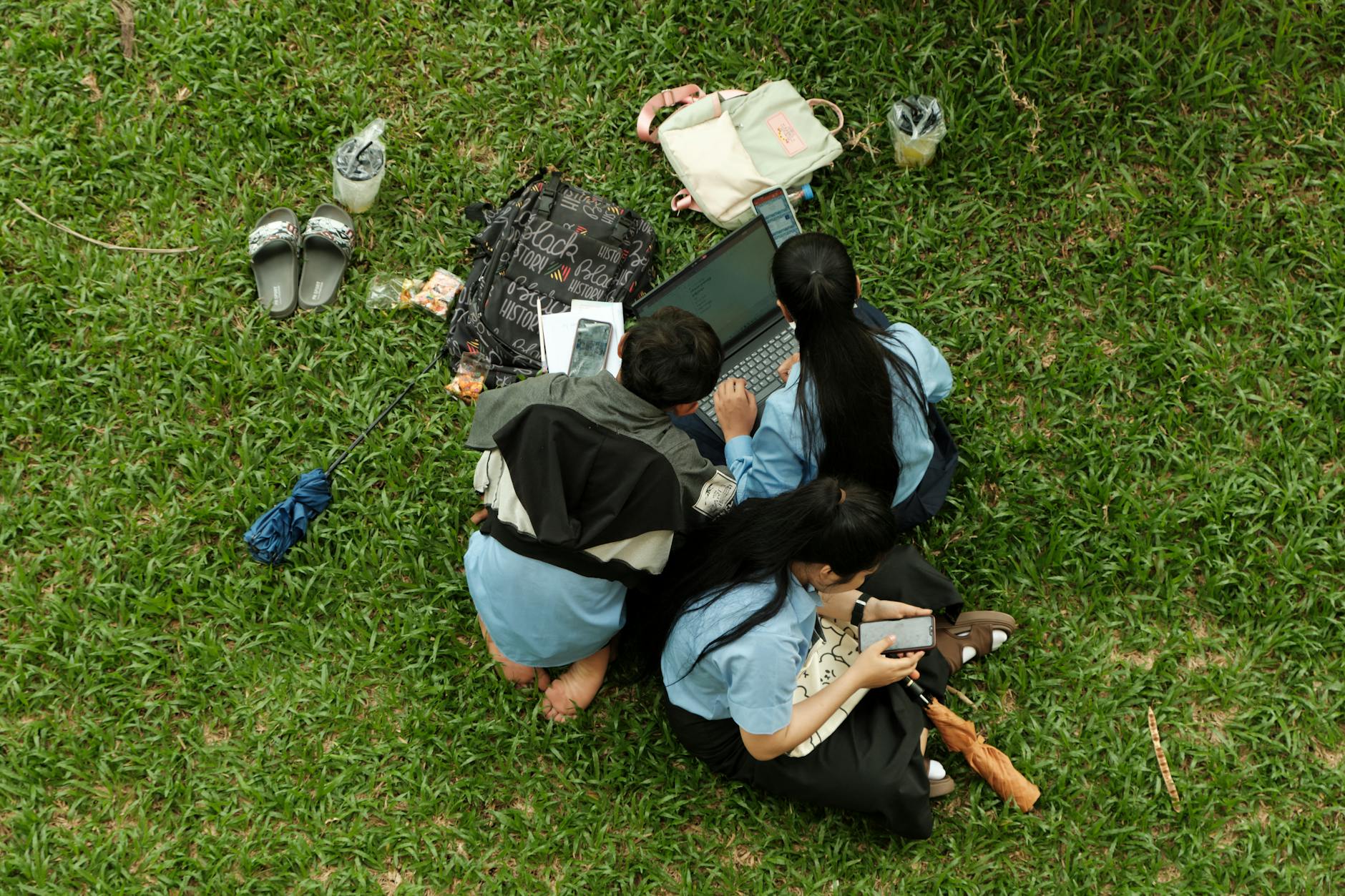
This list is for Singaporean students who need a reliable laptop for classes, projects, and some downtime, without breaking the bank. We picked these models based on local availability, warranty support in SG, and real-world performance for common student tasks like note-taking, research, and light gaming. Each pick balances price, portability, and durability for the rigours of school life.
Quick Comparison
| Pick name | Best for | Key feature/spec | Approx. price |
|---|---|---|---|
| Lenovo IdeaPad Slim 3 | Budget-friendly all-rounder | AMD Ryzen 5, 8GB RAM, 256GB SSD | S$699 - S$899 |
| Acer Swift Go 14 | Lightweight performance | Intel Core i5, OLED display, 16GB RAM | S$1,099 - S$1,399 |
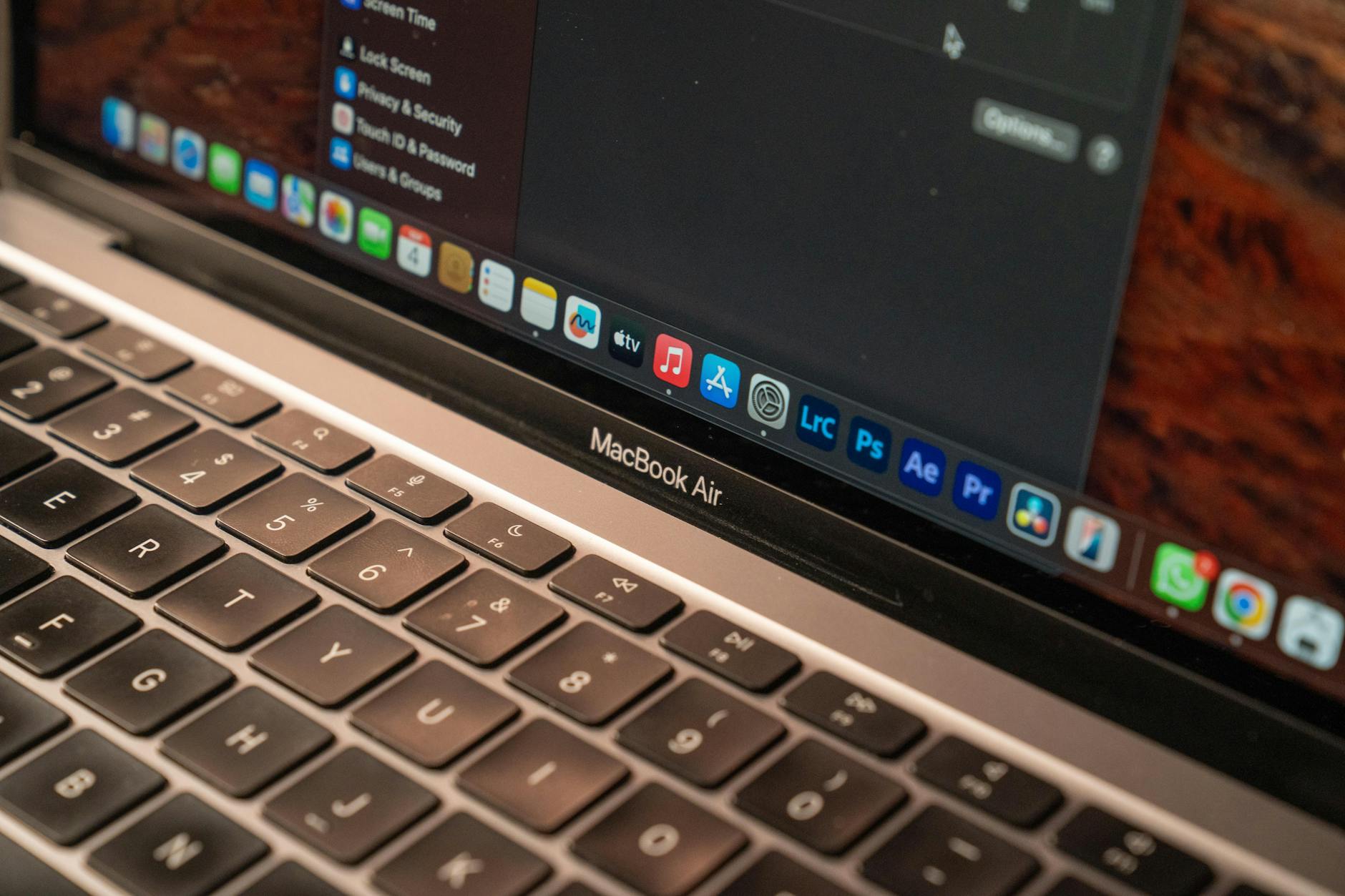
| Apple MacBook Air M3 | Battery life and ecosystem | Apple M3 chip, 18-hour battery, 13.6-inch | S$1,599 - S$1,899 |
| Asus Vivobook 15 | Value with a number pad | Intel Core i3, 8GB RAM, 512GB SSD | S$649 - S$799 |
| HP Pavilion Plus 14 | Creative students | Intel Core i7, 2.8K OLED, 16GB RAM | S$1,499 - S$1,799 |
Lenovo IdeaPad Slim 3
Solid everyday performance without the hefty price tag.
- Pros: Affordable price, decent Ryzen performance, good keyboard for typing
- Cons: Plastic build feels average, display could be brighter, no dedicated GPU
The Lenovo IdeaPad Slim 3 is a safe bet for students who need a reliable laptop for writing essays, browsing, and streaming lectures. The AMD Ryzen 5 handles multitasking well, and the 8GB RAM keeps things smooth. Its 256GB SSD is enough for documents and a few apps. Best for students on a budget who prioritise function over flash. Pricing in Singapore starts around S$699 at Challenger or online.
Acer Swift Go 14
A featherlight laptop with a stunning OLED screen for crisp visuals.
- Pros: Ultra-portable at 1.2kg, vibrant OLED display, long battery life
- Cons: Slightly more expensive, fan can spin up under load, no Ethernet port
The Acer Swift Go 14 is perfect for students who carry their laptop everywhere. Its OLED screen makes reading and watching media a joy, while the Intel Core i5 handles assignments and light photo editing without lag. The 16GB RAM future-proofs it for heavier tasks. Best for those who value portability and display quality. Expect to pay around S$1,099 at local retailers like Gain City.
Apple MacBook Air M3
Outstanding battery life and seamless integration with iPhones and iPads.
- Pros: Exceptional battery (up to 18 hours), silent operation, premium build
- Cons: Expensive, limited ports (only USB-C), not ideal for Windows-only software
The MacBook Air M3 is the go-to for students already in Apple's ecosystem. Its M3 chip delivers snappy performance for everything from coding to video calls, and the battery easily lasts a full school day plus study sessions. It's also fanless, so no noise in lectures. Best for students who need a durable, long-lasting machine and don't mind the higher price. Pricing starts at S$1,599 at Apple Store SG.
Asus Vivobook 15
A budget workhorse with a full number pad for number-crunching courses.
- Pros: Very affordable, includes a numeric keypad, large 512GB SSD
- Cons: Display is only HD, battery average at 6-7 hours, plastic body
The Asus Vivobook 15 offers great value for students studying finance, accounting, or data-heavy subjects. The Intel Core i3 is enough for Office apps and web browsing, and the 512GB SSD provides ample storage for files and projects. Its number pad is a rare bonus at this price. Best for those who need a budget laptop with extra keys. Cost is around S$649 at Courts or Harvey Norman.
HP Pavilion Plus 14
A creative powerhouse with a high-resolution OLED screen for design students.
- Pros: Beautiful 2.8K OLED display, powerful i7 processor, 16GB RAM
- Cons: Heavier than rivals at 1.4kg, battery life moderate (8-10 hours), premium price
The HP Pavilion Plus 14 is aimed at students in graphic design, video editing, or architecture. The Intel Core i7 and 16GB RAM handle demanding creative software like Adobe Creative Cloud, while the OLED screen delivers accurate colours. It's a step up from standard student laptops. Best for creative students who need performance and display quality. Pricing in Singapore averages S$1,499 at authorised dealers.
How to Choose
- Budget: Set a realistic limit. Entry-level laptops start around S$600, while premium models hit S$1,800. Consider student discounts at stores like Apple Education or Lenovo Edu.
- Portability: If you commute daily, aim for under 1.5kg and at least 8 hours of battery life. Lighter models like the Acer Swift Go are ideal.
- Performance needs: For basic tasks, an Intel Core i3 or Ryzen 3 is fine. For coding or design, go for i5/Ryzen 5 or higher with 16GB RAM.
- Display quality: A 1080p display is standard. Creative students should look for OLED or high-resolution panels (2K+).
- Build and warranty: Look for sturdy builds (metal chassis preferred) and local warranty support. Lenovo and Asus offer 2-year warranties in SG.